Website not showing up on Google? Start here.
Two completely different problems share the symptom "my site is not on Google". One is a defect you can fix this week. Here is how to tell which one you have.
Founder, Cursive Media
- Read time
- 7 min read
- Written
You typed what you sell into Google, scrolled, and your site was not there. Maybe you tried your own business name and found it, which was reassuring for about four seconds before you realized nobody searches for you by name unless they already know you.
Two entirely separate problems produce that symptom. One is a defect, and you can usually confirm and fix it inside a week. The other is competition, and it takes months. Almost every article on this subject hands you a checklist of fifteen possible causes without telling you which of the two you are looking at, which is how people end up buying a technical audit for a problem that was never technical.
First, stop searching like the owner
Your own searches are the least reliable data you have. You are signed in, you are sitting at the business address, and you have clicked your own site enough times to teach Google that you like it. What you see is not what a stranger sees.
Worth separating two questions you have probably been asking as one. Whether your site appears anywhere in Google at all is a technical question with a yes or no answer. Whether it appears for "emergency plumber near me" is a ranking question, and the answer for a young site is usually no, for reasons that have nothing to do with anything being broken.
Google's own debugging guidance includes a step most owners skip: check the demand side in Google Trends before assuming the drop is yours. Sometimes the search itself has cooled off and nothing about your site has changed at all.
The one question that splits everything: are you indexed?
Search Google for site:yourdomain.com. Results mean Google has your pages. Nothing at all is a strong signal that it does not.
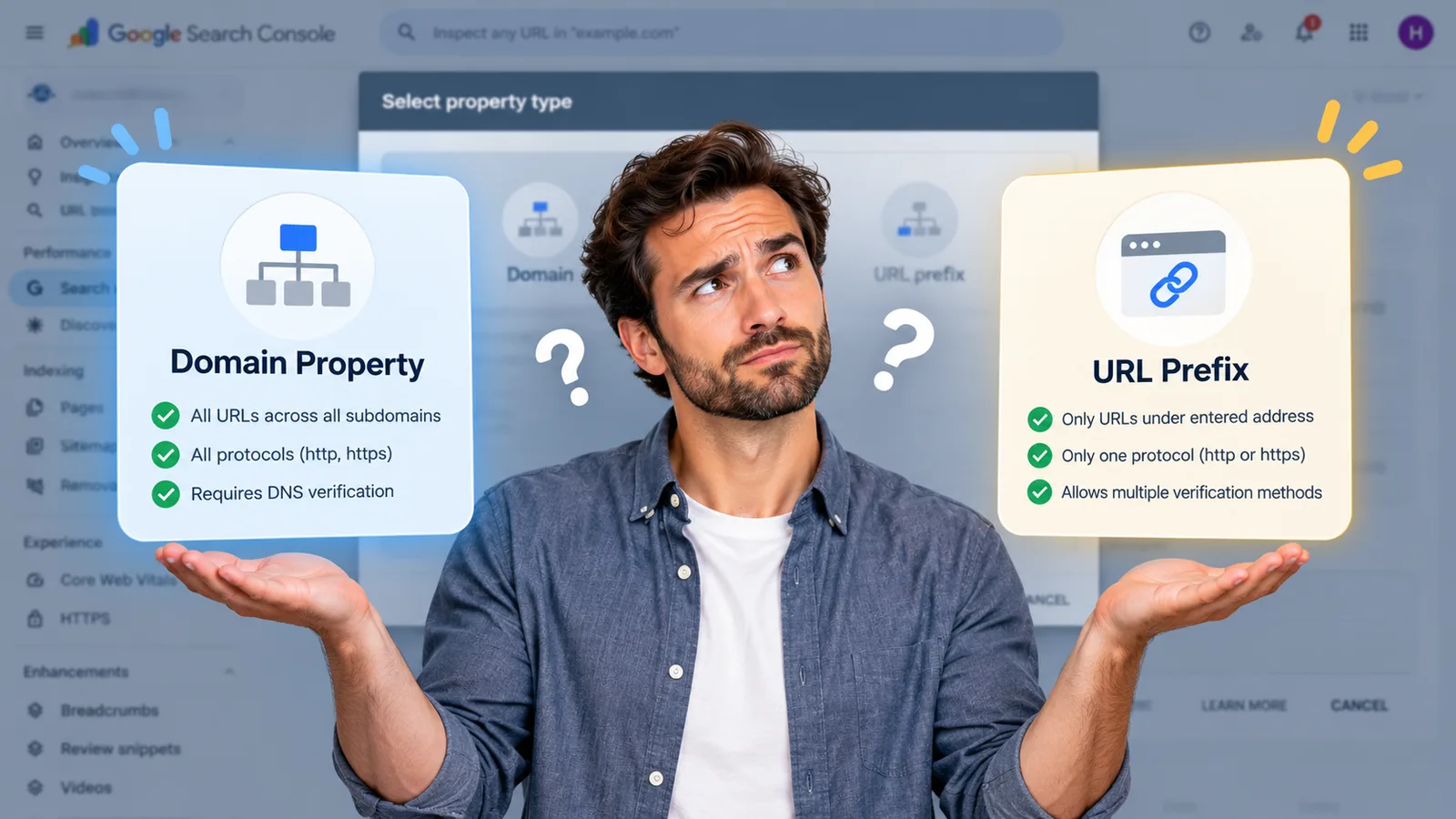
Treat that as a smoke test rather than a verdict, because Google says plainly that the operator "doesn't necessarily return all the URLs that are indexed". While you are checking access, it is worth knowing which AI crawlers your robots.txt is turning away, since that file governs both. The authoritative answer lives in Search Console. Its URL Inspection tool reports the current index status of a specific page, lets you test the live URL, and lets you request a crawl; the page indexing report covers the whole site and lists what has been excluded and why. If you do not have Search Console set up, stop reading and set it up, because everything past this point is guesswork without it.
If you are not indexed
The site is simply too new
Google says it can take a few weeks to notice a new site or a change to an existing one, and it does not guarantee crawling or indexing at all. Its documentation is refreshingly blunt about this: some sites get missed.
A site launched nine days ago that is missing from Google is not a mystery. Submit a sitemap, inspect a couple of important URLs, request indexing on them, and then leave it alone. Requesting indexing on the same page four times a day does not make it happen faster.
Somebody told Google to stay away
This is the most common genuine defect, and it is almost always the same story. The site was built on a staging URL with a noindex rule in place so the half-finished version never reached search results, which is correct practice. Then it launched, and nobody took the rule off.
A noindex rule does exactly what it says: Googlebot crawls the page, reads the instruction, and removes the page from results no matter who links to it. On WordPress there is a "Discourage search engines from indexing this site" checkbox that does the same thing in one click, which is a lot of power for a checkbox.
If you find this on a site somebody built for you, it is a launch-checklist failure rather than bad luck. Anyone who ships websites for a living should be verifying index status as part of going live, ourselves included.
The robots.txt trap, which works backwards
Here is where well-meaning fixes make things worse. Robots.txt is not a way to keep pages out of Google. Google is explicit that a disallowed page can still be indexed if other sites link to it, and that the URL may appear in results with no description underneath.
The trap is what happens when you combine the two. Google's documentation states that for the noindex rule to be effective, the page must not be blocked by robots.txt and has to be otherwise accessible to the crawler. Block the crawler and it never reads the noindex, so the instruction you added to remove the page becomes the one thing guaranteeing it stays. Blocking has to happen after crawling rather than before it, which is the opposite of how everyone assumes it works, and to keep something out of results properly Google points to a noindex rule, password protection, or deleting the page outright.
Two correct-looking settings, applied together, cancel each other out.
If you are indexed and still invisible
Then nothing is broken, and that is worth sitting with for a moment, because it means no plugin, audit, or technical fix is going to change your situation. That includes the performance audit somebody may have sent you.
You are on page four of a query that established competitors have spent years earning. The work from here is the unglamorous kind: pages that answer what people actually search rather than describing your services in the abstract, reasons for other sites to reference yours, and enough time for any of it to register. A new site competing for a commercial term against businesses with a decade of history is not going to win it this quarter, and anyone promising otherwise is selling something.
If the site used to appear and stopped, that is a different diagnosis with its own order. Check the performance report in Search Console before deciding you have no traction. Sites that feel invisible are frequently ranking for a long tail of specific queries nobody thought to check, which tells you which direction is already working.
The local wrinkle nobody mentions
If you are a local business, you are competing in two systems that fail independently: the map results, which run off your Google Business Profile, and the ordinary blue links, which run off your website. You can sit at the top of one and be entirely absent from the other, and the fixes have almost nothing in common, which is why "we are not on Google" is such an expensive sentence to act on without checking.
So establish which one you are missing from before you spend anything. Absent from the map is a profile problem, and if the profile has vanished entirely rather than ranking poorly, check whether it has been suspended. The free Maps rank checker settles which of those you have, because it reports your position at nine points around your address rather than from the one spot you happen to be sitting in. Absent from the blue links is the indexing question above. Owners routinely pay for website work to fix a profile issue, and occasionally the reverse.
Finding out whether you are indexed, and fixing it if you are not, is the first hour of the SEO work. If you have run the site: check and Search Console and still cannot tell which of these you have, book a strategy call and we will look at it with you. It is a short conversation when the answer is a leftover noindex rule, and an honest one when the answer is that the site is fine and the real work is what goes on it.
Founder, Cursive Media