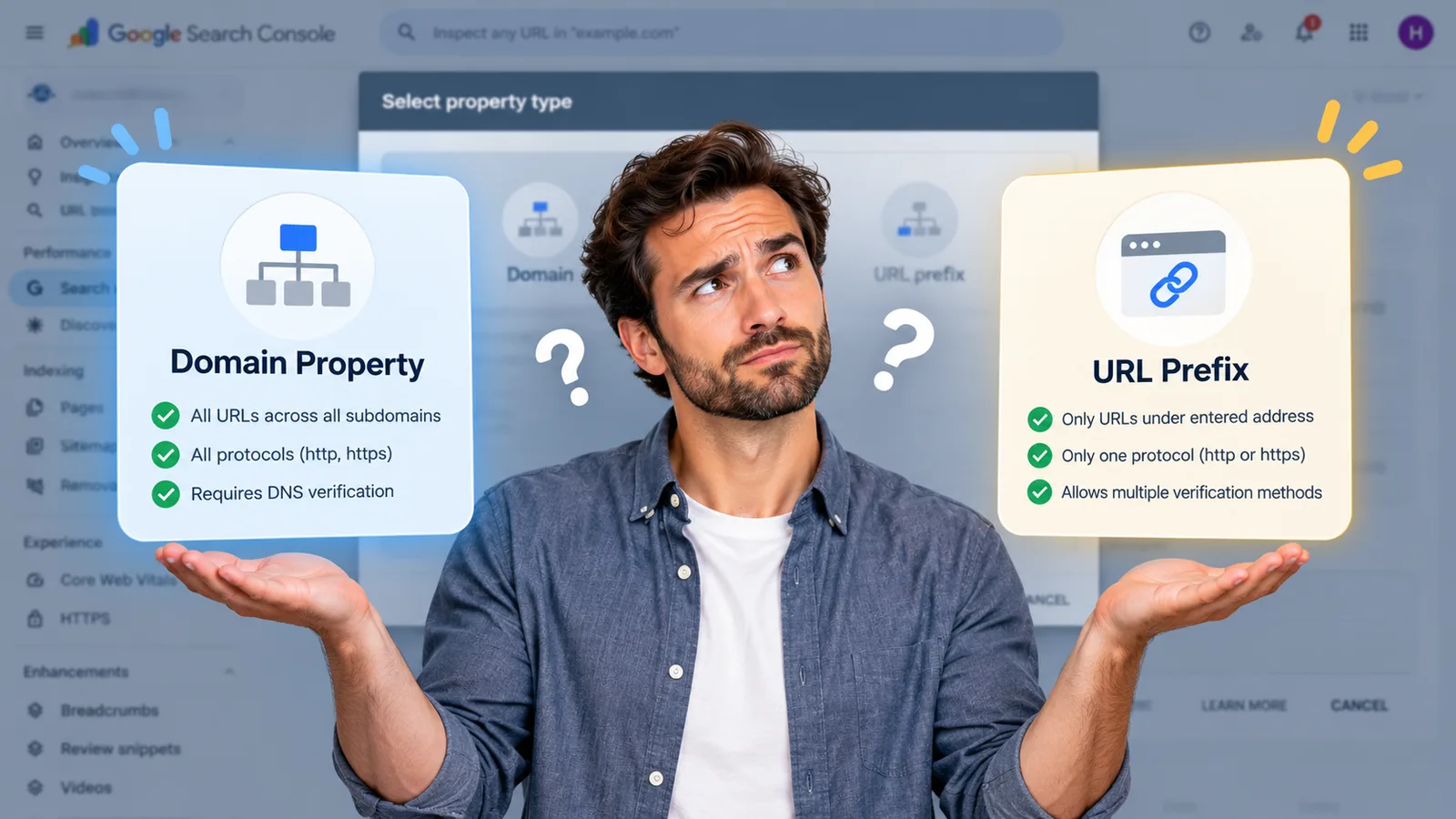
Search Console setup: domain property vs URL prefix.
The quick setup most tutorials show you covers one protocol and one subdomain. The other option covers everything and needs a DNS record. Pick deliberately.
Founder, Cursive Media
- Read time
- 4 min read
- Updated
A lot of SEO advice begins with the words "open Search Console", which assumes you have one, connected properly, showing your whole site.
That assumption is worth checking, because the setup screen asks you a question most people answer by picking whichever option looks easier.
Two kinds of property
A domain property covers everything: all subdomains, including www and m, and multiple protocols including http and https. One property, whole site, no gaps.
A URL-prefix property covers only URLs starting with the exact prefix you entered, protocol included. Enter the https version and the http one is not in it. Enter the non-www version and www is a different property as far as Search Console is concerned.
That is the whole decision, and it is made in about four seconds by people who have not been told what it does.
What the easy route quietly costs
URL-prefix properties support many verification methods, which is why every tutorial recommends them. You paste an HTML tag or upload a file and you are finished in five minutes without talking to anybody about DNS.
Domain properties require DNS record verification and nothing else, unless the site is hosted on a Google platform like Blogger or Google Sites. That means finding whoever controls your DNS, which is exactly the friction that pushes people toward the easier button.
The cost arrives later, and quietly. Months later you open a performance report showing a fraction of your actual traffic, and you reach entirely reasonable conclusions from it: search is flat, nobody finds the blog, the new service pages did nothing at all. You might cancel something on the strength of it. You might conclude the work was not worth doing and be wrong about that for a year, all because a property set up in four seconds was only ever watching part of the site.
Nothing warns you. The report looks complete.
The DNS record is the real task
If you can add a DNS record, add one and take the domain property. If you cannot, that is worth noticing for its own sake, because it means somebody outside the business controls where your website and email point, which is a bigger problem than your analytics.
The steps themselves are short. In the Search Console verification popup, choose TXT as the record type, and Search Console gives you a string to copy. Sign in to your domain provider, the company where your domain's DNS records are managed, and add a TXT record with that string as the value. Then go back and click Verify. Google notes that a record you add by hand can take up to two or three days before your provider starts serving it, so if the first Verify fails, wait a day and try again.
Getting that access sorted takes an afternoon once. Not having it turns up again every time something needs changing, usually at the worst moment.
It matters more than you would expect later
This is not only about tidy reporting. If you ever change your business name, the Change of Address tool requires all variants to be verified, so a half-configured property becomes a half-working migration at the exact moment you cannot afford one. That process has its own post, and it assumes you sorted this out years earlier.
The same applies to every diagnostic worth running: whether you are indexed at all, or why a drop happened. Both are answered from data that only exists if the property is complete.
Once it is connected
Submit a sitemap, then open the page indexing report and read what has been excluded and why. That single screen answers more questions than most owners realize they have, and it is the first place to look before anybody is paid to investigate anything.
Then leave it alone. It is a measuring instrument rather than a dashboard, and the numbers only mean anything across enough weeks to show a pattern.

Setting this up and then actually reading it every month is where the SEO work starts. If you are not sure whether the property you have covers your whole site, or nobody can find the DNS login, book a strategy call. It is a short piece of work and everything else in your reporting depends on it being right.
Founder, Cursive Media