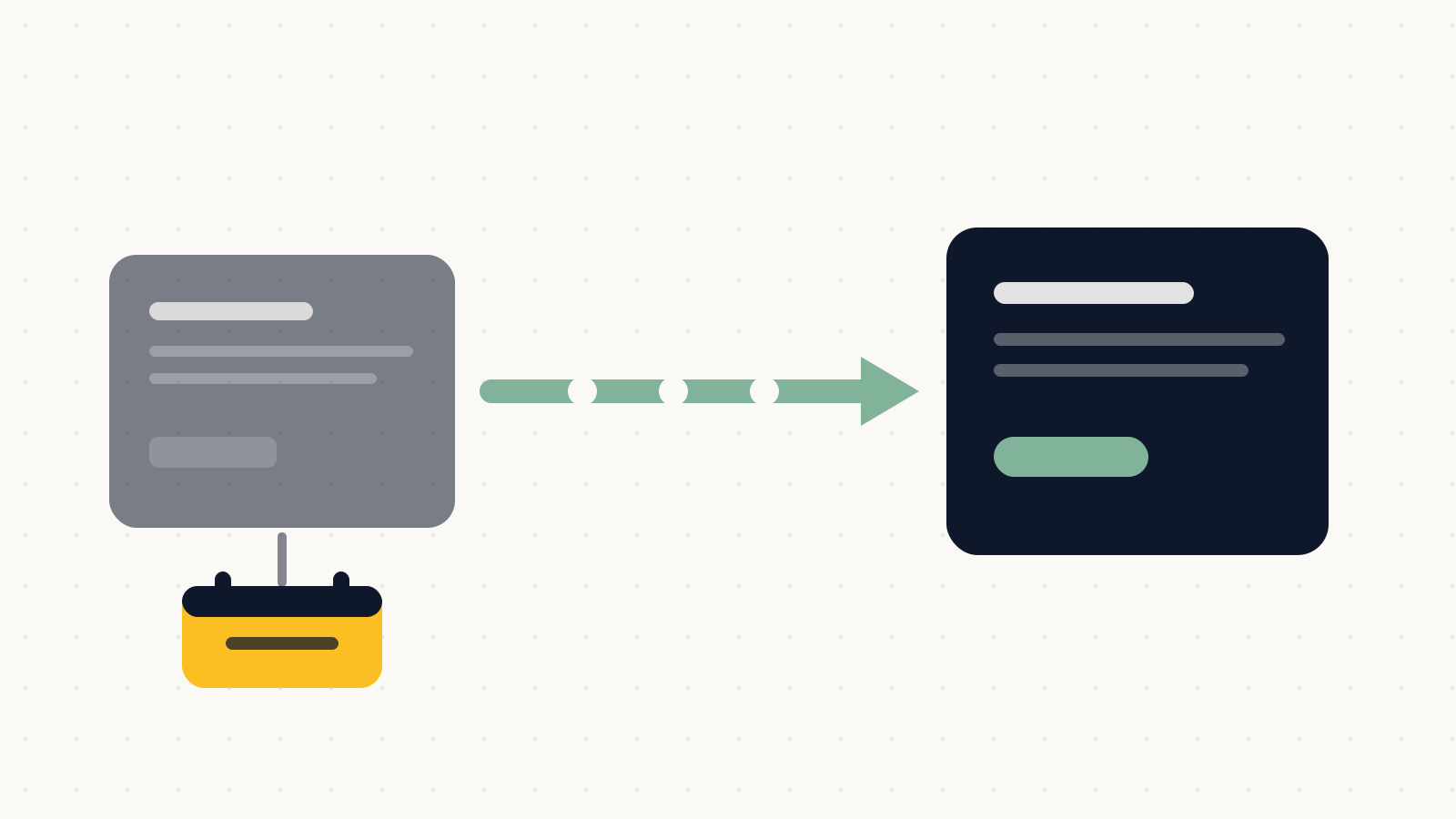
Changing your business name? Somebody needs to own the redirects.
Google says permanent redirects cost you no PageRank. What actually loses rankings is the step nobody was assigned and the old domain nobody renewed.
Founder, Cursive Media
- Read time
- 4 min read
- Written
The rebrand is planned in detail. New name, new logo, new van livery, a date for the announcement, and somebody has already bought the domain.
Nobody has been made responsible for the redirect map, and that is the part that decides whether ten years of accumulated search visibility comes with you.
Redirects do not cost you what people think
The fear that stops businesses doing this properly is that redirecting somehow bleeds away whatever authority the old site had, so it is worth quoting Google directly: 301 and other permanent redirects do not cause a loss in PageRank.
Google recommends server-side permanent redirects where technically possible, naming 301 and 308. That is the mechanism. Used properly it carries your history across rather than leaking it.
What loses rankings is not the redirect. It is the URL that never got one.
The tool you are supposed to tell
For a domain move, submit the Change of Address tool in Search Console. This is the step most rebrands skip entirely, usually because the person doing the DNS work is not the person who has ever opened Search Console.
Two details that trip people up. All variants need to be verified, including subdomains and both the www and non-www versions, so a half-verified property produces a half-working migration. And if you are only moving from HTTP to HTTPS, you do not need the tool at all, which is a different job people frequently conflate with this one.
Keep the redirects past the renewal date
Google's guidance is to keep redirects in place for as long as possible, and generally at least a year.
Here is how that fails in practice, and it is depressingly common. The move goes well, everyone is pleased, and eleven months later the old domain comes up for renewal. Somebody sensible looks at the invoice, notes that the business does not use that name anymore, and cancels it. Every redirect dies at once, along with every link any other site ever pointed at you.
Put the renewal on a calendar with a note explaining why it is not optional, and treat the old domain as an asset the business keeps rather than a subscription to prune.
Move it all at once
The instinct is to phase it, moving a section at a time to limit the damage if something goes wrong. For a small or medium site that instinct is backwards: Google recommends moving all URLs simultaneously, and reserves the staged approach for large sites where sections make monitoring easier.
A local business website is not a large site. Do it in one go, on a quiet day, with somebody watching.
What normal looks like afterwards
Expect movement. Google says you may see ranking fluctuations while it recrawls and reindexes, and that a medium-sized site generally needs a few weeks for most pages to move across.
Knowing that in advance is what stops the expensive mistake, which is reversing course on day ten because traffic dipped. If you are watching a chart and worrying, work through the drop diagnostics in order rather than undoing a migration halfway.
The parts Google cannot redirect
Your website is only one place your old name lives. The website field on your Business Profile needs updating, and so does every directory, supplier listing and social profile carrying the old address, because consistency across those is doing quiet work that a redirect does not cover. The free listing checker will tell you which directories still have the old details, which is the list nobody can reconstruct from memory.
Email is the one that bites hardest. If the old domain stops resolving, mail sent to old addresses vanishes, and the authentication you set up for the new domain is a separate job that has to be done again from scratch. That side has its own rules, and a rebrand is exactly when businesses discover they were never configured properly on the old one either.
Domain moves are one of the few jobs where the plumbing decides the outcome, which is why they sit inside the build work rather than beside it. If a name change is coming and nobody has been made responsible for any of this, book a strategy call. The redirect map is an afternoon of work when it is planned, and a very bad quarter when it is remembered afterwards.
Founder, Cursive Media