What is DNS and who should control it for your business.
Every quick technical task eventually lands on a DNS record, and most businesses discover at that moment that nobody knows who can add one.
Founder, Cursive Media
- Read time
- 4 min read
- Written
Several posts on this blog end with some version of "add a DNS record" or "find out who controls your DNS", which is easy to write and less easy to act on if nobody has ever explained what that means.
So here it is, for an owner rather than an administrator.
What it decides
Your domain is just a name. DNS is the set of instructions attached to that name, telling the internet what to do when somebody uses it.
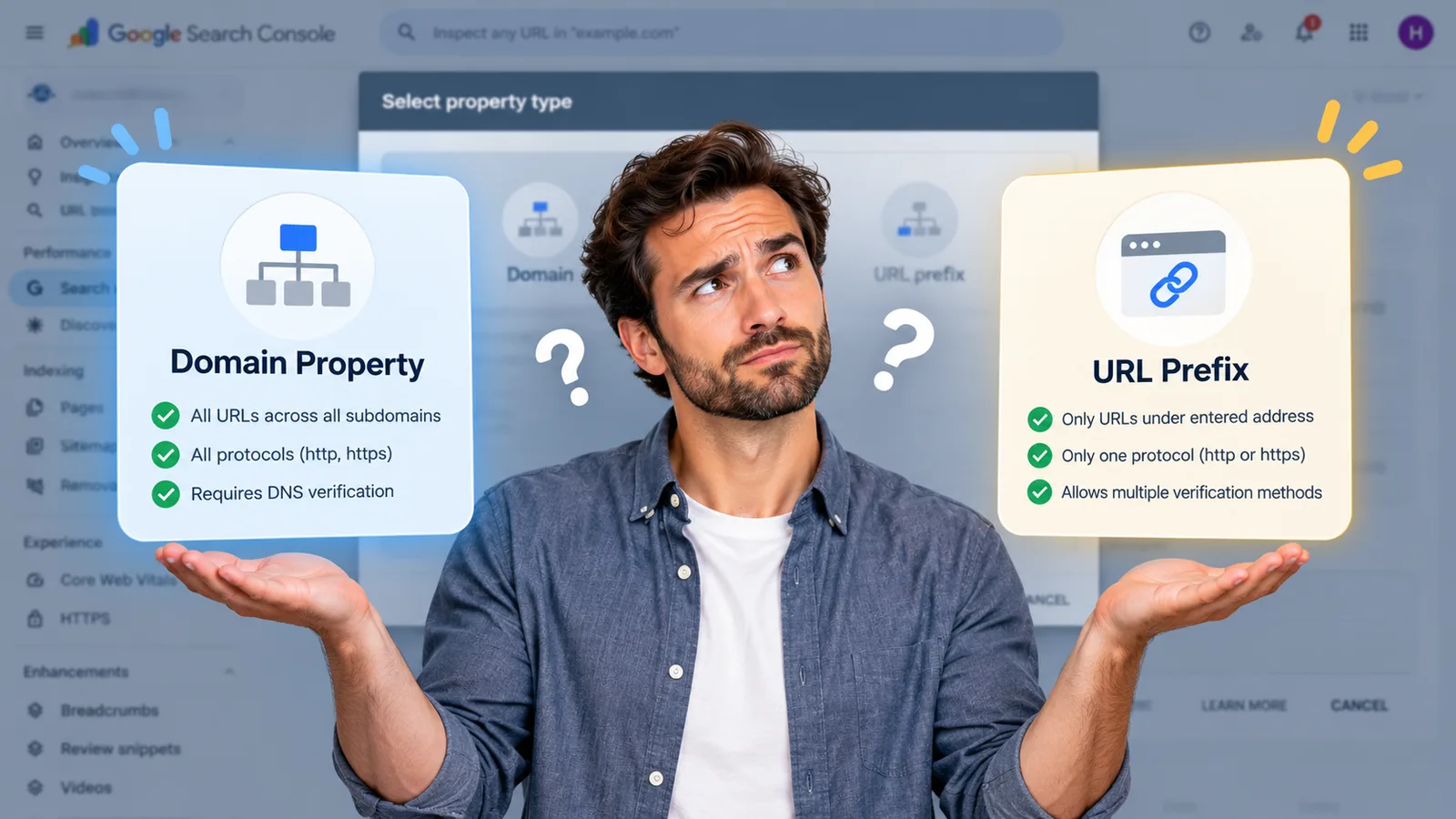
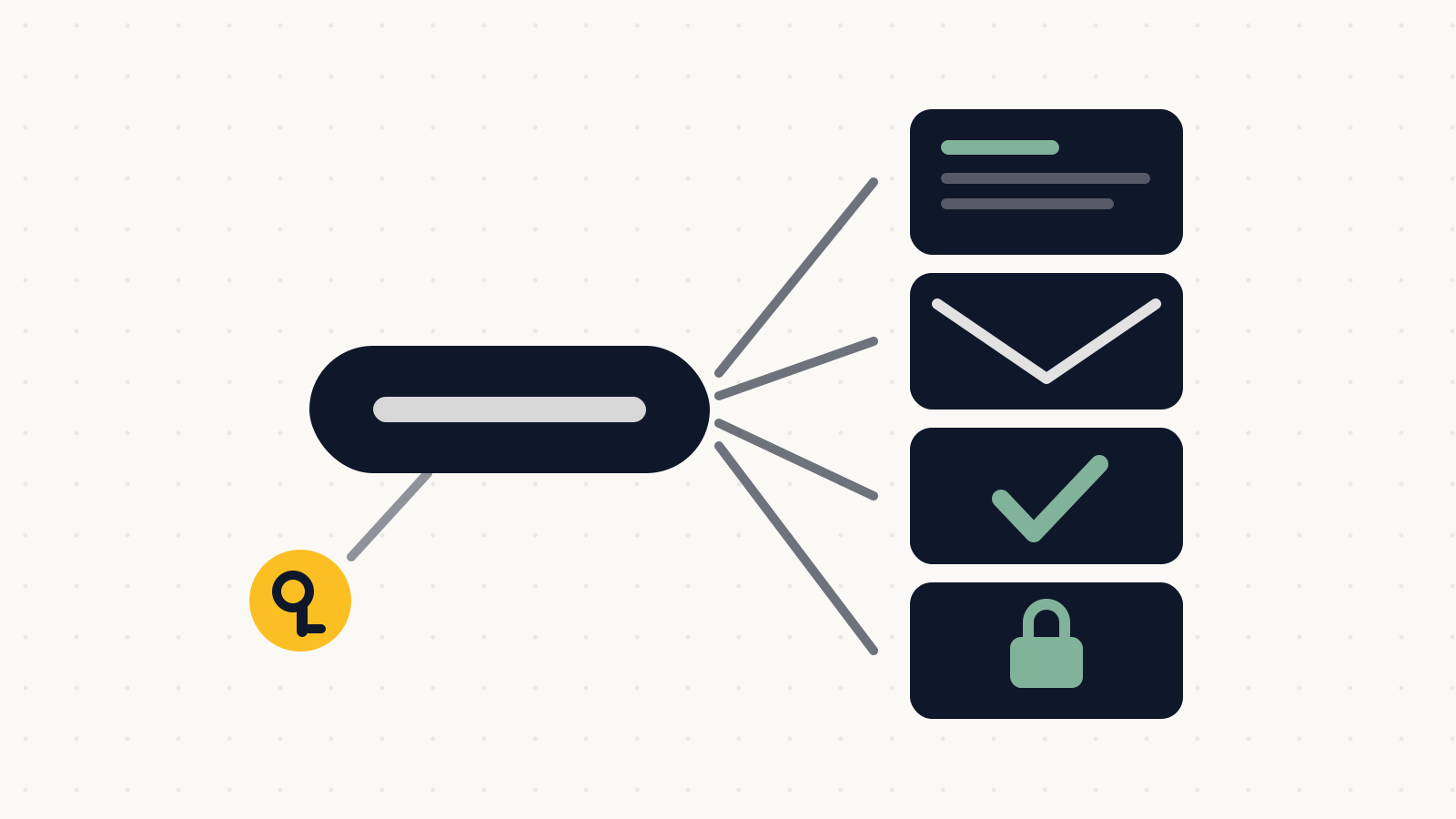
It decides where your website lives, so a visitor typing your address reaches your host rather than nothing. It decides where your email is delivered: Google describes the process plainly, in that a sender's computer looks up your domain's MX records to work out where to deliver the message. It carries the proof that you own the domain, which is why a Search Console domain property can only be verified with a DNS record. And it publishes who is allowed to send email as you, which is where the SPF and DKIM authentication that keeps your mail out of spam actually lives.
Four jobs, one control panel, usually held by somebody who no longer works with you.
Why every small task ends up here
This is the pattern worth recognizing. Almost every technical task that sounds like a five-minute job turns out to need a DNS record, which is why so many of them stall for three weeks.
Verifying a complete Search Console property needs one. Getting your email authenticated so it lands in inboxes needs one. Moving hosts needs one. Changing your domain during a rebrand needs several, in the right order.
None of those are hard. They are just impossible without access, and access is what nobody checks until the day it matters.
The reason not to experiment
DNS is the one place in your marketing stack where poking at it to see what happens is genuinely the wrong instinct.
Change the records that route your mail and email stops arriving, for everyone, immediately. Change the ones pointing at your host and the website goes dark. Worse, the recovery is not instant either: Google notes that it can take up to 72 hours for new MX records to be recognized, so an afternoon's mistake can be a three-day outage of the thing customers use to reach you.
Take a screenshot of the existing records before changing anything. That single habit converts most DNS disasters into a ten-minute revert.
Finding out who has it
Start with your domain registrar, because DNS is often, though not always, managed there. If it is not, the registrar's settings will point at whoever is hosting it instead.
The practical test is the same one that works for every other account: attempt a password reset and see whose inbox it reaches. If the answer is a developer from 2016 or an agency you no longer use, you have found something worth fixing this month rather than the week you need it.
Then write down where it lives, in the same document as everything else. DNS is the asset most likely to be discovered missing at the exact moment it is urgent, because nothing about it announces itself while it is working.
Knowing who holds DNS, and moving it if the answer is wrong, is part of taking a build properly in hand. If you need a record added and cannot work out who can do it, book a strategy call. Tracing it is routine, and it is a considerably better conversation than the one that starts with the email being down.
Founder, Cursive Media