Missed call text back: the unsexy automation we deploy the most.
Missed call text back sends an instant SMS when your business can’t pick up. How it works, what to write, and how to set it up in GoHighLevel, Twilio, or RingCentral.
Founder, Cursive Media
- Read time
- 7 min read
- Written
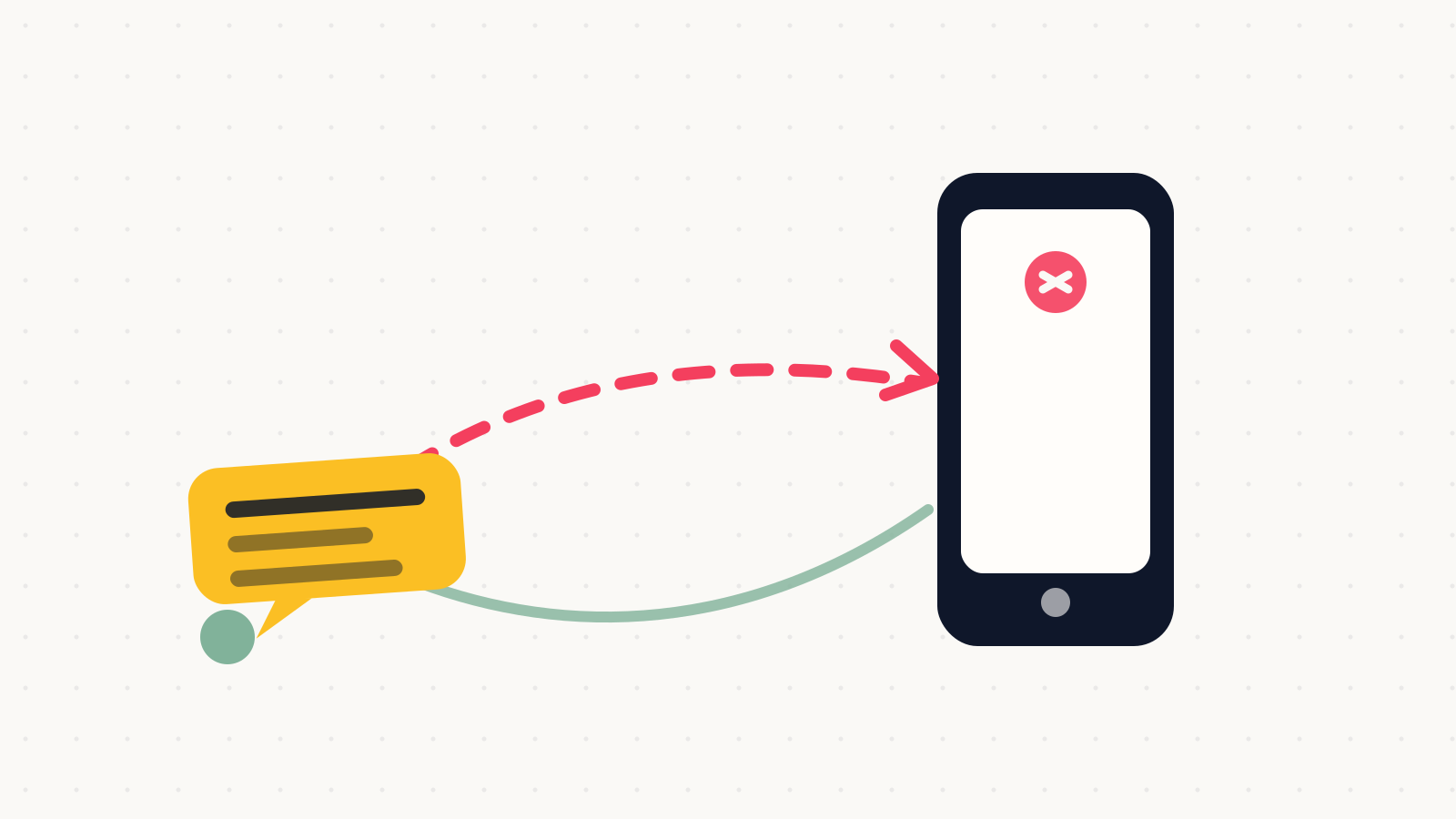
Missed call text back is exactly what it sounds like: when a call to your business rings out, the caller instantly gets a text from your business number saying "Sorry we missed you! How can we help?" That’s the whole feature. It is also, by deployment count, the automation we set up more than any other. Almost every client we work with runs it, whether their phones live in GoHighLevel, Twilio, or RingCentral.
It earns that spot because of what a missed call actually is. Someone wanted to give you money, you weren’t available, and their next move is the second listing in their search results. A text that lands while they’re still holding the phone interrupts that next move. Voicemail doesn’t. Most callers see the voicemail prompt and hang up.
How it works, mechanically
The system watches your business line. A call that rings past your answer window or lands in voicemail counts as missed, which fires an automation: an SMS from your number to theirs, sent within seconds. Because it comes from your real number, their reply lands back in your inbox and a normal text conversation starts. That reply is the part that matters, since a lead who’s texting you is no longer dialing your competitor.
Every serious platform lets you scope when it fires. The two setups we actually use: always-on for businesses whose hands are busy all day (trades, salons, clinics), and after-hours-only for offices with a staffed front desk. One thing to configure either way is a spam guard, because you don’t want your automation cheerfully texting a robocaller. Known-spam filtering and a "first-time callers only" rule handle most of it.
What the text should say
Short beats clever. The message has one job: keep the door open and give them a faster path than calling back later. Three shapes that hold up:
- The catch-all: "Hi, this is [business]. Sorry we missed your call. How can we help? Reply here and we’ll get right back to you."
- The booking path: "Sorry we missed you! If you’re looking to schedule, grab a time here: [booking link]. Or just reply and we’ll sort it out."
- The after-hours version: "Thanks for calling [business]. We’re closed until [time], but reply with what you need and you’re first in line tomorrow."
Skip the corporate throat-clearing ("Your call is important to us") and don’t promise a callback window you won’t hit. If the reply is going to sit until morning, the after-hours version is the honest one. Honesty in automated messages is a theme we care about enough to have written a whole post on it.
Setting it up on the three stacks we use
In GoHighLevel it’s native: a workflow with a Call Status trigger set to missed, an SMS action, and your business-hours condition. The reply threads straight into the same conversation view your team already works from, next to the contact record. That native-ness is a lot of why GHL is our default recommendation for local service businesses; this is the kind of workflow the platform was built around.
On Twilio, you build the same behavior yourself: a status callback flags the unanswered call and a few lines of code (or a Studio flow) send the SMS. More work, total control. It’s what we reach for when a client has custom routing or an existing phone setup worth keeping. On RingCentral, missed-call events can trigger the text through its automation tooling or an integration layer; if your phones already live there, you don’t need to move them to get this.
The honest comparison: if you’re starting from nothing, GHL gets you there fastest and bundles the CRM the conversation should land in anyway. If you have phones and systems you like, we wire text-back into what you own rather than making you switch. It’s a one-afternoon automation job, not a migration.
Text-back or a full AI receptionist?
Both attack the same lost lead, at very different price points. Text-back is a workflow inside tools you likely already pay for; an AI receptionist is a $99-to-$300-a-month product that answers with a voice. Our standing advice is to run text-back first. It has no voice to get right, no risk of a caller feeling tricked by a too-human robot, and it proves, with your own numbers, how many calls you actually miss and what those callers wanted. Some businesses look at two months of text-back conversations and add a voice AI for after-hours. Plenty of others discover text-back plus a booking link was the whole fix.
The best automation is the one your customers never think about. A text that shows up when you couldn’t pick up is exactly that.
If your phone misses calls every week and nothing texts those people back, that’s the gap we’d close first, before any AI, before any redesign, before anything with a bigger invoice. It takes us about an afternoon. Book a strategy call and tell us where your phones live; we’ll tell you exactly what wiring it up looks like on your stack.
Founder, Cursive Media