10 things every local business should be automating in 2026.
Discover 10 local business processes to automate in 2026 to respond faster, recover leads, collect payments, earn reviews, and scale.
Founder, Cursive Media
- Read time
- 9 min read
- Written
Local businesses rarely lose customers because they are incapable of doing the work.
They lose customers because nobody answered the phone, a lead sat untouched, an estimate was never followed up on, an invoice went unpaid, or a happy customer was never asked for a review. Those are not marketing problems. They are systems problems.
In 2026, business automation means more than scheduling emails. A properly designed system can capture inquiries, recover missed calls, qualify prospects, schedule appointments, collect payments, request reviews, update customer records, and alert employees when human attention is needed.
The goal is not to remove people from the business. It is to remove unnecessary waiting, repetition, and dependence on someone remembering the next step. Here are the 10 processes every local business should examine first.
1. Lead capture and immediate response
The moment someone submits a form, calls your business, sends a direct message, or requests an estimate, the business should respond. That response does not need to close the sale. It needs to confirm the inquiry was received, collect any missing information, and create a clear next step.
Speed matters. InsideSales analyzed more than 55 million sales activities involving 5.7 million inbound leads, and found conversion rates were more than eight times higher when the first contact attempt happened within five minutes instead of later in the first 24 hours.
The lead-response workflow should connect every major inquiry channel to the same operating system. Website forms, calls, texts, social messages, advertising leads, and chat conversations should all create or update a contact record.
For example, a missed caller could immediately receive: “Sorry we missed your call. This is Parker Heating & Air. How can we help?” A website lead might get: “Thanks for requesting an estimate. Are you looking for repair, replacement, or routine maintenance?”
These messages are not substitutes for employees. They keep interested prospects from disappearing while your team is driving, on a job, or handling other calls. The workflow should also notify the right employee, preserve the original lead source, and escalate the inquiry if nobody responds.
2. Lead qualification and routing
Capturing a lead is only the beginning. The business must also determine where that lead belongs. A small repair, a large installation, an emergency request, a commercial project, and an existing customer with a warranty issue should not enter the same follow-up sequence.
Automation can ask a few targeted questions and classify the inquiry based on:
- Requested service
- Service location
- Urgency
- Project size
- Customer status
- Residential or commercial need
The answers determine who receives the lead, which pipeline it enters, and how quickly someone should respond. A high-value opportunity might trigger an immediate call task and notify a sales manager. A routine service request might receive a scheduling link. An inquiry outside the service area can get a courteous explanation instead of being ignored.
The purpose is not to build complicated scoring models. It is to stop employees from manually inspecting and redistributing every inquiry.
3. Appointment scheduling and reminders
Scheduling should not require six messages and two phone calls. Customers should be able to view availability and book through the website, text, email, or a Google Business Profile when supported.
Once the appointment is booked, automation can send the confirmation, calendar invitation, intake forms, preparation instructions, directions, and reminders. The same workflow can provide a rescheduling link and notify the team when someone cancels.
The content should reflect the service. A contractor may need to confirm the property owner will be present. A dental office may need insurance information. A salon may need to explain its cancellation policy. A consultant may need a questionnaire completed before the meeting.
The goal is not simply to remind someone an appointment exists. It is to remove the reasons the appointment might fail. Businesses with frequent no-shows should also automate the follow-up: a missed appointment can trigger a respectful message with a direct path to reschedule, rather than relying on someone to notice the empty calendar later.
4. Estimates, proposals, and contracts
Many businesses respond quickly to the initial lead and then create a new bottleneck during the buying process. An employee manually prepares an estimate, sends it as an attachment, waits several days, follows up from memory, sends a separate contract, and requests a deposit through another system. Every extra step is another place for the sale to stall.
A connected proposal workflow can generate an estimate from approved products or services, send it by text and email, record when it is viewed, request an electronic signature, collect a deposit, and update the opportunity status.
The follow-up should change based on behavior. Someone who has opened a proposal several times may warrant a direct call. Someone who has not opened it may need it resent through another channel. Someone who declined it should have a specific reason recorded for future analysis.
Automation should create visibility around the sales process. It should not trap every prospect inside the same generic sequence.
5. Invoicing and payment collection
Getting the job is not the same as getting paid. Local businesses spend unnecessary hours sending invoices, checking payment statuses, and chasing overdue balances. That work is predictable enough to automate.
Once a job reaches the right stage, the system can create and send the invoice, provide a payment link, issue a receipt, update the customer record, and notify the team when payment arrives.
If payment becomes overdue, the system can begin a measured reminder sequence. The tone should get more direct as the invoice ages, never needlessly aggressive: an early reminder simply confirms the invoice was received, a later one restates the due date and payment options, and a significantly overdue account gets escalated to a person instead of receiving endless automatic messages.
Recurring businesses can also automate subscription payments, failed-payment notifications, expiring-card reminders, and account suspension rules. The objective is straightforward: shrink the time between finishing the work and receiving the money.
6. Review requests and reputation management
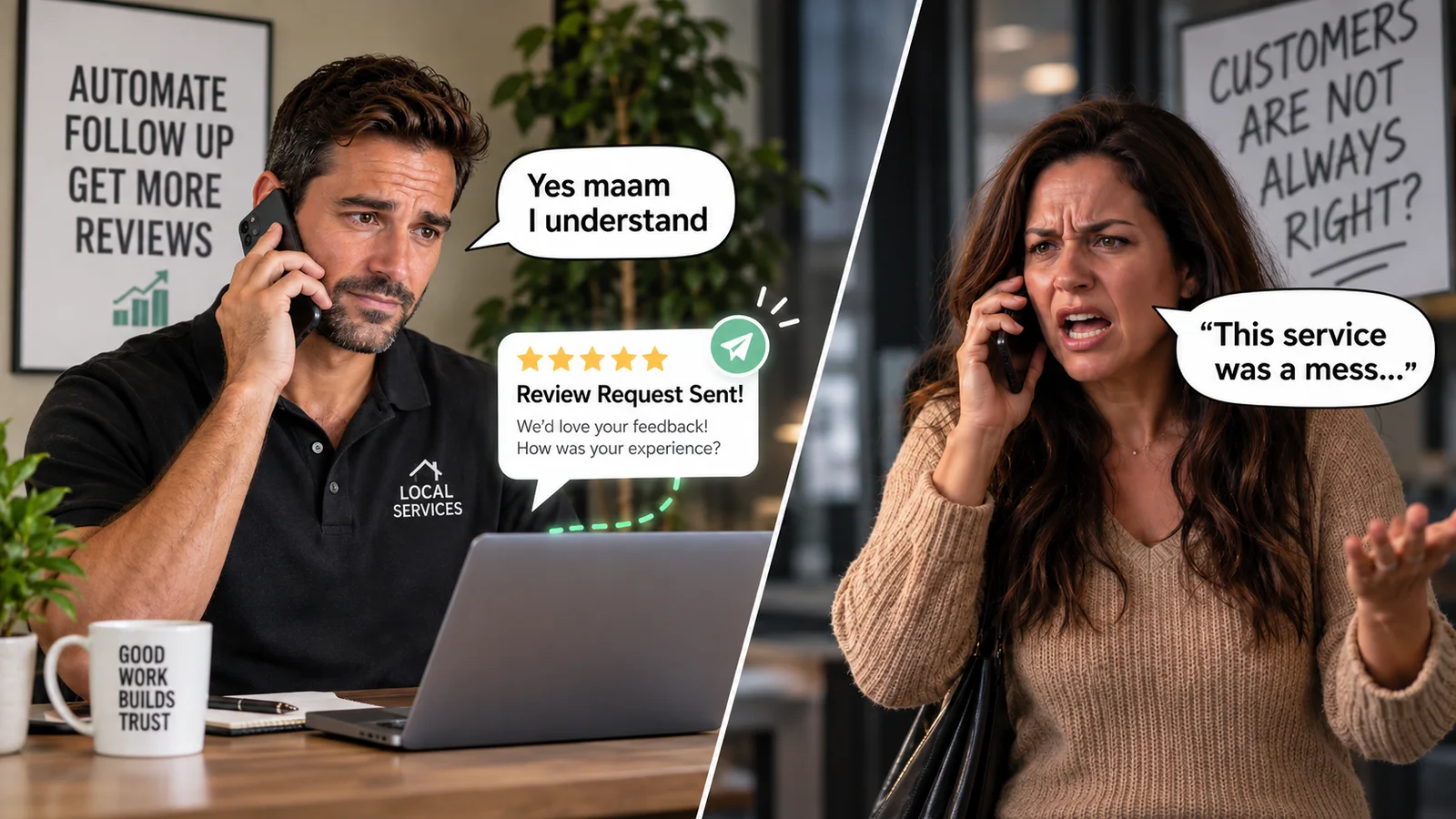
Most satisfied customers do not automatically leave reviews. They need to be asked at the right time and given an easy way to respond. A review request can be triggered after a completed appointment, finished project, resolved support issue, or paid invoice. Keep it short, personal, and linked directly to the right review page.
This is not optional reputation maintenance anymore. BrightLocal’s 2026 Local Consumer Review Survey found that 97% of consumers read reviews for local businesses, 74% care primarily about reviews written within the previous three months, and 47% will not use a business with fewer than 20 reviews.
Review generation therefore needs to be continuous. A business that earned 100 positive reviews three years ago but receives almost nothing today looks inactive or inconsistent.
New reviews should also trigger an internal alert. AI can draft a response, but the final reply should reference the customer’s actual experience. BrightLocal found generic or templated responses make 50% of consumers less likely to choose a business. Negative feedback should be escalated quickly so a manager can investigate and try to resolve the problem.
Do not build a system that funnels happy customers to public review platforms while keeping unhappy ones away from them. Build a system that identifies dissatisfaction early and gives the business a chance to address it.
7. Long-term follow-up and reactivation
Most local businesses spend heavily to generate new leads while neglecting the contacts already sitting in their CRM: unapproved estimates, past customers, seasonal buyers, overdue maintenance clients, canceled members, former patients, and prospects who were interested but not ready.
These groups should not receive the same generic newsletter. A useful reactivation workflow contacts someone because there is a legitimate reason to reconnect. An HVAC company can remind customers about seasonal maintenance. A roofing company can contact relevant homeowners after a major storm. A dental office can notify patients overdue for care. A contractor can revisit estimates that were postponed rather than rejected.
The timing, message, and offer should reflect what is known about the contact. Automation makes long-term follow-up possible at scale. Segmentation keeps it from becoming spam.
8. Internal handoffs and task creation
Customer-facing automation gets the attention because customers can see it. Internal automation often produces the larger operational improvement.
When a sale closes, information should move directly into fulfillment: create the project, assign an employee, generate an onboarding checklist, schedule a kickoff, notify accounting, prepare customer instructions, set deadlines.
Without that connection, employees copy information between emails, task systems, spreadsheets, calendars, accounting software, and customer records. Each manual transfer creates delay and another opportunity for error, and the customer experiences the failure. They repeat information, wait for updates, or discover one department does not know what another promised.
Before automating a handoff, define three things clearly:
- What event officially moves the work forward?
- What information must be present before it moves?
- Who owns the next stage?
Automating a broken process only makes the broken process run faster.
9. Reporting and operational alerts
Owners should not have to open five platforms and assemble a spreadsheet to understand whether the business is working. A useful reporting system connects lead sources, calls, appointments, estimates, sales, payments, advertising costs, and customer outcomes.
The business should be able to answer basic questions:
- Which channels produce qualified leads?
- How quickly does the team respond?
- How many appointments actually occur?
- Which estimates become sales?
- Which campaigns generate revenue rather than activity?
- Where are opportunities getting stuck?
A dashboard is useful, but alerts are often more valuable. The owner should not need to watch the dashboard to discover that lead volume dropped, a campaign is spending without producing, a large proposal has stalled, an employee has untouched leads, or an automation stopped running. The system should surface exceptions automatically.
Reports explain what happened. Alerts create the opportunity to intervene while the outcome can still be changed.
10. Content, local SEO, and AI search visibility
Content itself should not be placed entirely on autopilot. The repetitive work around it should be: collecting common customer questions, extracting topic ideas from call transcripts, drafting first-pass outlines, scheduling approved posts, monitoring local rankings, detecting incorrect listings, and flagging outdated website information. The business still needs genuine expertise, accurate claims, and editorial review.
Local visibility is also expanding beyond traditional Google search. BrightLocal’s 2026 survey found the use of ChatGPT and other generative AI tools for local business recommendations jumped from 6% to 45% in one year, making AI tools the third most commonly used source in its survey.
That does not mean chasing a new acronym or filling your website with AI-generated articles. It means making the business easier for both people and search systems to understand: accurate listings, clear service pages, recent reviews, consistent company information, authoritative answers, and structured paths to contact, book, or buy.
Automation can monitor those assets and flag problems. It cannot manufacture credibility.
What should not be fully automated?
Automation is strongest when the task is frequent, predictable, and governed by clear rules. Human involvement remains necessary when a situation requires judgment, negotiation, emotional awareness, an exception to policy, or a consequential decision.
That distinction matters even more with AI agents. The CRMArena benchmark tested language-model agents on realistic professional CRM tasks. State-of-the-art agents completed fewer than 40% of tasks using ReAct prompting, and fewer than 55% even when given function-calling capabilities.
That does not make AI useless. It means businesses should stop confusing an impressive demonstration with dependable operations. AI can draft messages, summarize calls, classify inquiries, extract information, recommend next actions, and handle tightly controlled routine tasks. That is the shape of an AI support assistant wired into your existing stack. High-impact actions should still have validation rules, audit trails, escalation paths, and human oversight.
The right question is not “Can this be automated?” It is “What happens when the automation is wrong?”
What should you automate first?
Do not begin by purchasing another platform. Begin by identifying where time, money, and customer attention are being lost. Evaluate each candidate automation on four factors:
- Frequency: how often does the process happen?
- Time: how much labor does it consume?
- Impact: what does a delay or failure cost?
- Consistency: can the correct process be clearly defined?
The best first automation is usually not the most advanced one. It is the high-volume process that repeatedly causes lost leads, delayed payments, duplicated work, or frustrated customers. For many businesses that means starting with lead response, missed-call recovery, appointment reminders, estimate follow-up, or review requests.
Fix the obvious leak before building the impressive machine.
Build a business that does not depend on memory
Most local businesses do not need more disconnected software. They need their website, CRM, phone system, calendar, invoicing platform, advertising accounts, review profiles, and internal tools to function as one operating system.
Cursive Media maps those workflows, identifies what should be automated first, and connects the systems through platforms like GoHighLevel, Zapier, Make, and custom software. Where AI creates a measurable advantage, we integrate it into the tools you already use rather than adding technology for its own sake.
The result should be simple: leads get faster responses, employees know what needs attention, customers get consistent communication, owners get clearer visibility, and fewer opportunities fall through the cracks. Book a 20-minute strategy call and we’ll map what your business should build, automate, or fix first.
Founder, Cursive Media