The booking button on your Google Business Profile.
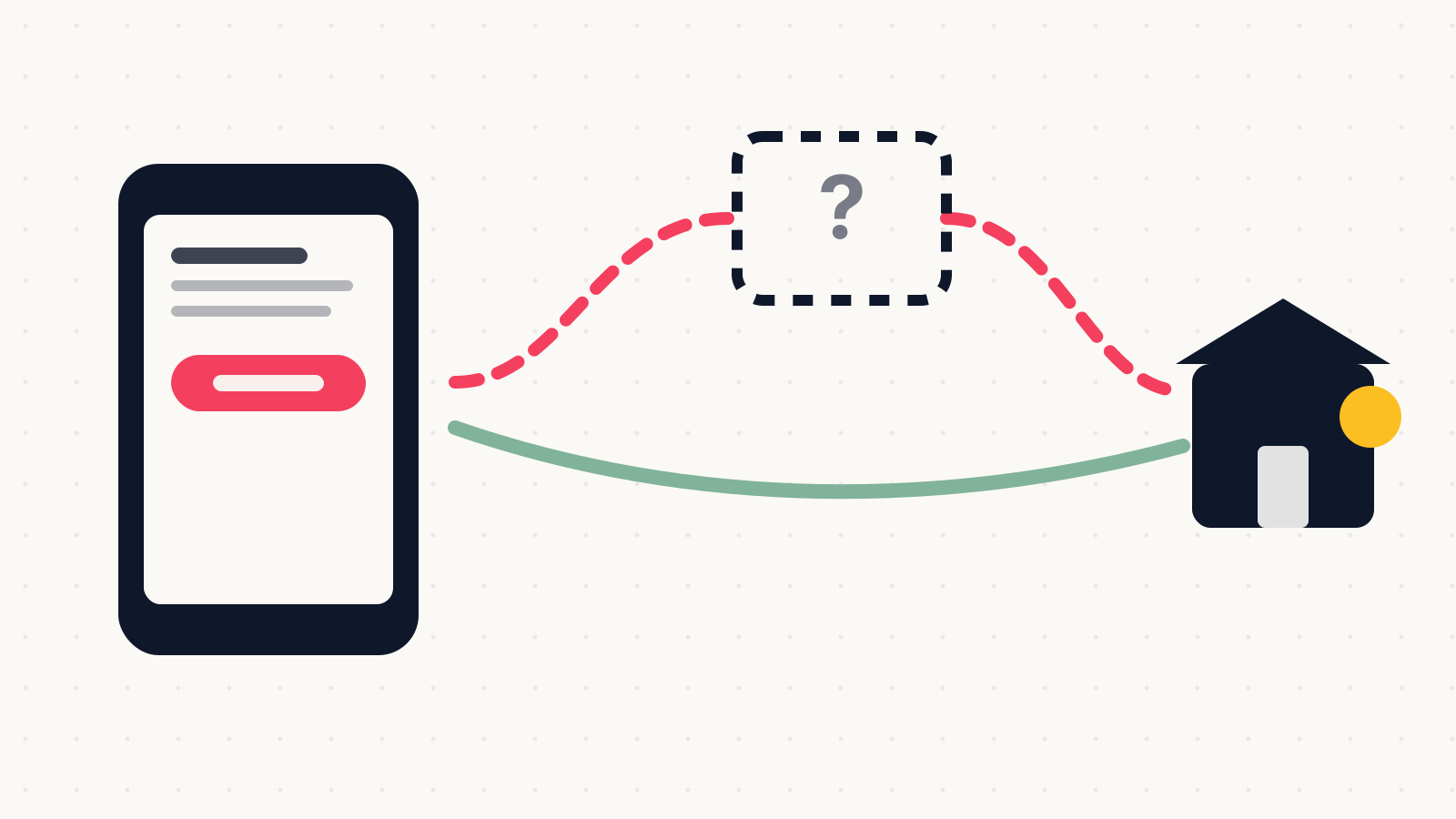
Google can add booking and ordering links to your profile automatically. If one is there that you did not choose, it is routing your customers through somebody else.
Founder, Cursive Media
- Read time
- 5 min read
- Written
Pull up your own business on Google Maps, on your phone, the way a customer would. If there is a Book or Order button, tap it and see where it takes you.
A surprising number of owners have never done this, and a fair few are surprised by the answer.
You did not necessarily put that link there
Google's documentation is explicit: links to certain services can appear on your Business Profile on Search and Maps automatically, provided and updated by third-party partners or through automated data from Google.
Nobody asks you first.
So the button on your listing may be routing customers through an intermediary you never signed up with, in the middle of a transaction that used to be between you and the customer. For anyone in food ordering this is a familiar story with a familiar cost, but it applies to appointment booking too, and it is worth knowing that Google itself flags that when you book through Google, your provider might charge you.
You are not stuck with it. Businesses can add their own first-party links, set a preferred one as primary, and remove third-party provider links, though the providers get five days to process a removal request. You can also disable ordering options entirely, which hides both the third-party links and your own, so use that one deliberately.
Your own link costs you the data
The usual advice is to paste your booking URL in and be done. That works, and it has a trade-off nobody mentions.
Booking through a supported Reserve with Google provider is integrated: it ties into Google products, customers get appointment reminders, and you get booking performance data. Add your own link instead and Google states plainly that performance data is not available for custom links. You will see profile views and calls, but the bookings themselves become a number you can only get from your own system.
Whether that matters depends on whether anybody was going to look. If your booking software already reports well, a custom link is fine and you keep full control of the page. If your reporting is thin, the integrated route hands you a metric you would otherwise have to build.
Reserve with Google is not available everywhere, though. It runs in certain countries and only for businesses working with a supported scheduling provider, so for plenty of trades the custom link is the only option on the table. Waitlists, for what it is worth, are restaurants only.
A ten-minute audit
Open the profile and go through the links properly. Booking, reservations, food ordering and shopping each allow up to ten links, which is ten opportunities for something to be there that you did not put there. Menus and service lists take one.
Set the link you want as the preferred one and remove anything you did not authorize. Then diary a check five days later to confirm the removal actually went through, since that window belongs to the provider rather than to you. If you run several locations, know in advance that these links are not available through the Business Profile API or spreadsheet upload, so it is a manual pass per location and there is no bulk shortcut.
Then set the provider up properly if you are going that route, and expect it to show on the profile within about a week rather than immediately.
The page on the other end
None of this matters much if the destination is bad. A booking link that opens a slow page, asks for information you do not need, or offers three slots at times nobody wants will lose the customer just as effectively as no button at all.
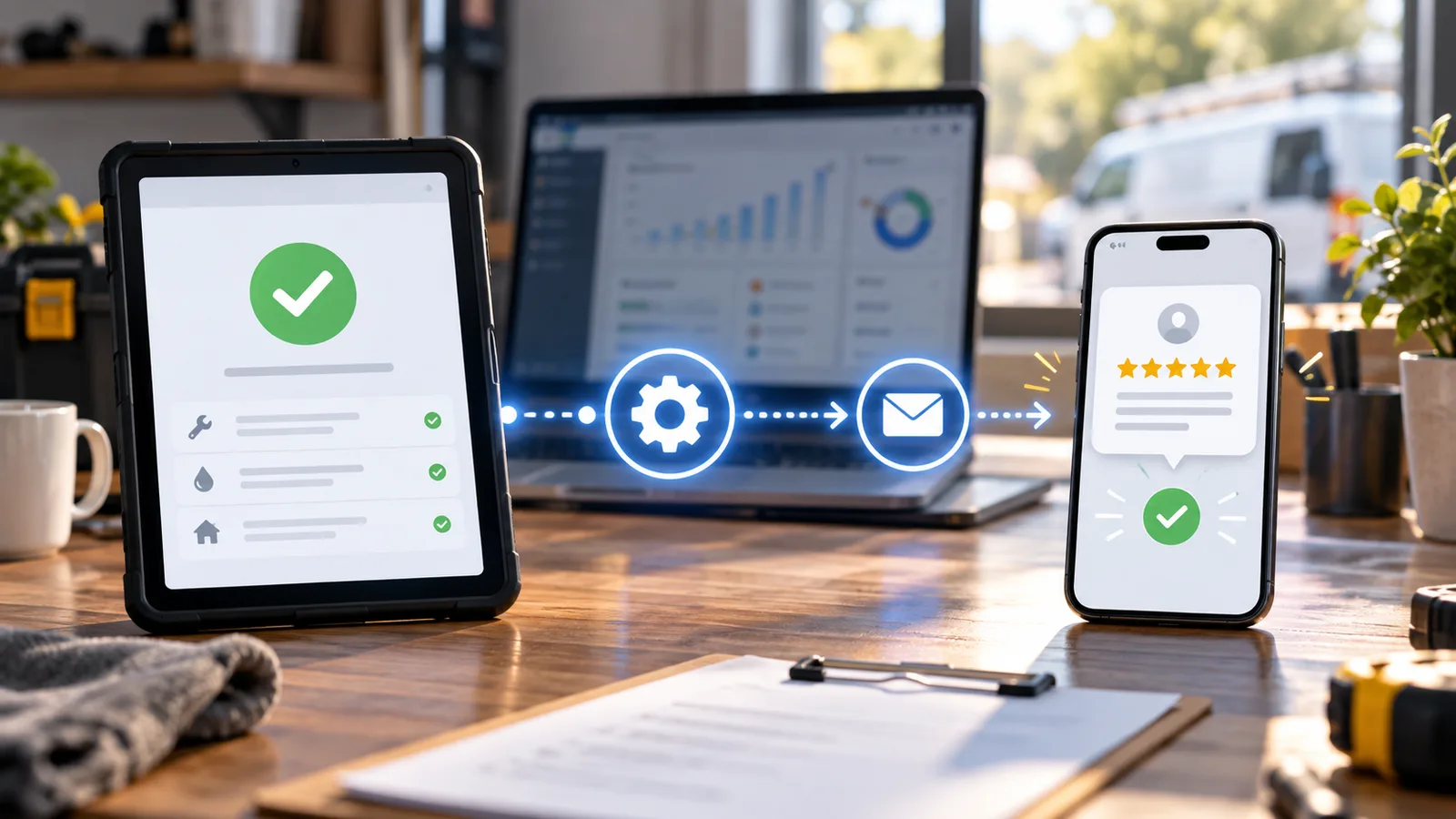
Once a booking does land, the follow-up is the rest of the job: reminder texts that survive the gap between booking and appointment, and something that catches the people who call instead, because plenty will.
Wiring a booking route that actually holds up on a phone is an automation job rather than a setting. If you tap that button and find a name you do not recognize, book a strategy call. Sorting out who owns the link, and where it should point instead, is an afternoon rather than a project.
Founder, Cursive Media