Why your AI-built website isn’t showing up on Google.
How to tell whether the builder, not your content, is keeping your site out of Google, and what fixing it does and doesn’t get you.
Founder, Cursive Media
- Read time
- 6 min read
- Written
TL;DR
- In Lovable, an unpublished project, restricted access or a branded workspace address can’t appear in Google, however good the site is.
- Page source shows what a browser gets. Google’s URL Inspection tool shows what Google gets. Check both.
- Fixing these makes the site eligible to show up. It doesn’t guarantee a ranking.
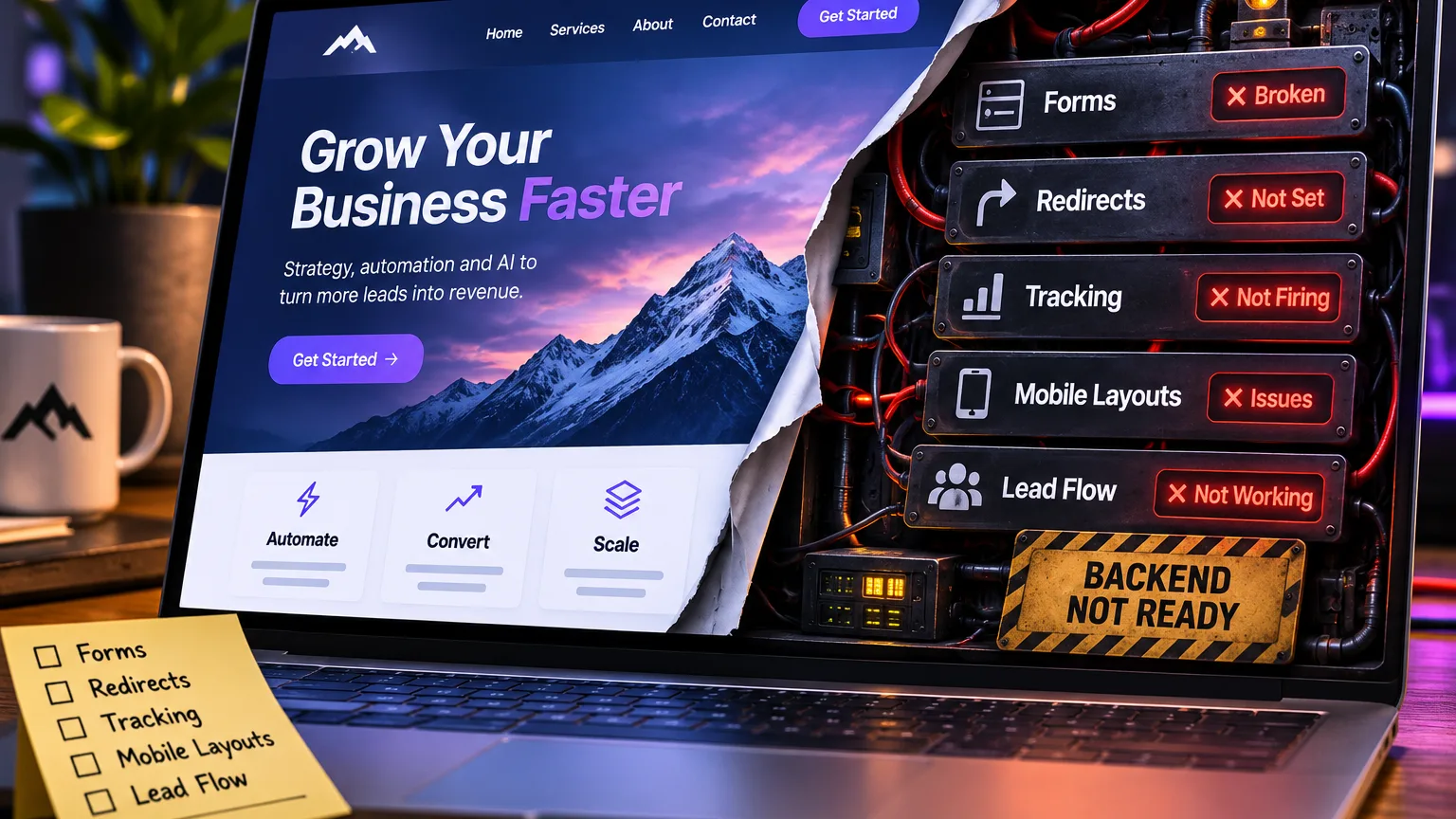
If your vibe-coded website isn’t showing on Google, check how the builder publishes and serves it before you blame your content. Four causes start there. The site isn’t published where Google can see it. Something tells Google to stay away. Google gets a page without your content in it. Or nothing tells Google which pages exist.
We’ll use Lovable as the example because its documentation spells these out clearly. Other builders may handle them differently, but the checks below work on any site.
If you haven’t yet confirmed whether Google has your site at all, start with Website not showing up on Google? Start here. It separates a site Google hasn’t indexed from one that’s indexed and still invisible. This post is mostly about the first case, when the builder is the reason.
Is the site published where Google can see it?
Rule this out first, because no amount of content fixes it. Lovable’s docs say only publicly published apps can appear in search results. Unpublished projects and projects with restricted access never appear in search. Neither do branded workspace addresses, the ones ending in your workspace name and lovable.app.
So check three things. Is the project published, not just previewed? Is access open to everyone, not just your workspace? And is the address you share your own domain? Lovable recommends connecting a custom domain to build search presence.
Is anything telling Google to stay away?
Open yoursite.com/robots.txt. A line reading Disallow: / under User-agent: * asks search engines to skip the whole site. The symptom can be confusing: Google says a page blocked this way can still have its address appear in search results if other sites link to it, but the result won’t have a description. In Search Console, these pages show up as “URL blocked by robots.txt” or, if Google indexed the address anyway, “Indexed, though blocked by robots.txt.”
The other blocker is a noindex rule left over from building. Our general guide explains how it gets left behind. In an AI-built app it can sit in a setting, a page template or a line of code. Google’s advice is to search the page source or the response headers for the word noindex. Search Console reports these pages as “URL marked ‘noindex’.”
Does Google get a page with your content in it?
An AI-built site may be a single-page app, where the server sends a nearly empty page and the browser builds the content with JavaScript. Google calls this the app shell model, where Google needs to execute JavaScript before being able to see the actual page content. Google does run JavaScript. But rendering waits in a queue that “can take longer” than a few seconds, and Google’s guidance on the rest is plain:
Server-side or pre-rendering is still a great idea because it makes your website faster for users and crawlers, and not all bots can run JavaScript.
Lovable handles this two ways. Apps created from May 13, 2026 (June 22, 2026 on Enterprise plans) use TanStack Start, which renders each page into finished HTML on the server. Older React and Vite apps send a mostly empty page. For those, Lovable serves a pre-rendered copy only to verified crawlers: search engines such as Google and Bing, the AI search crawlers of ChatGPT, Perplexity, Claude and Gemini, and preview bots. Lovable notes that content that loads late may be missing from that copy, and that tools outside the verified list see very little. Older projects can be upgraded in place, which uses credits.
To test, look at two things. Right-click your page and choose View Page Source: that’s what a browser receives. Then, once Search Console is set up (see below), run URL Inspection’s live test and view the tested page: that’s what Google receives. If your text is missing from what Google receives, the rendering is the problem.
Does anything tell Google which pages exist?
Lovable says it creates a robots.txt file with every new project, “but not always a sitemap, and the starting metadata is generic.” Generic metadata can leave pages with titles and descriptions that say little about them.
Add a sitemap, give each page its own title and description, and verify the site in Google Search Console so you can submit the sitemap and see what Google has indexed. If you’re setting up Search Console for the first time, Search Console setup: domain property vs URL prefix covers which kind to choose.
Which check matches what you’re seeing?
| What you see | Likely cause | Where to check |
|---|---|---|
| Nothing at all in Google, not even the address | Not published, restricted, or on a branded workspace address | Builder publish and access settings, the address you share |
| The address shows up with no description | Blocked by robots.txt | yoursite.com/robots.txt, and “Indexed, though blocked by robots.txt” in Search Console |
| Search Console shows “URL marked ‘noindex’” | A leftover noindex rule | Page source and response headers |
| URL Inspection shows the page without your text | Content Google doesn’t receive | URL Inspection, compared with View Page Source |
| Results show generic titles and descriptions | Generic starting metadata | Each page’s title and description settings |
Start at the top. The first rows rule out the most.
What about ChatGPT and other AI search?
Lovable’s verified list already includes the AI search crawlers of ChatGPT, Perplexity, Claude and Gemini, so an older Lovable app isn’t hidden from them. Tools that aren’t on the list get the empty page. A server-rendered page doesn’t depend on any crawler being on anyone’s list, which is the case for upgrading. How to show up in AI search covers what the companies running those assistants say about the rest.
What does fixing it actually get you?
It makes your pages eligible to be indexed. Google itself says it doesn’t index every page on the web, and “Crawled - currently not indexed” is a common message in Search Console. Whether anyone finds your pages after that depends on what people search for and what else answers it.
For a sense of scale, a 2023 Ahrefs study of about 14 billion pages found that 96.55% got zero traffic from Google. Ahrefs calls its traffic numbers estimates and its sample somewhat tilted toward better-quality pages.
When to bring someone in
Say the site is published on your own domain, URL Inspection shows your content, and nothing blocks it with robots.txt or noindex. If it’s still not indexed a few weeks after you’ve submitted a sitemap, the cause may be in how it was built. A Post-Generative Audit covers search alongside code, security and the rest, and tells you whether something in the build is keeping the pages out. If it turns out to be a defect in the build, fixing it is a Post-Generative Rescue.
Founder, Cursive Media