Vibe coding security risks: three we’ve found in AI-built apps.
Three security gaps that don’t show when you use your AI-built app, how to check for them in an afternoon, and when to bring someone in.
Founder, Cursive Media
- Read time
- 5 min read
- Updated
TL;DR
- The three risks: a database anyone can read, secret keys shipped in the code, and permission checks the server never makes.
- None of them shows up when you click through the app as yourself.
- You can run a first check for all three in an afternoon with two test accounts, your database dashboard and a search of the code.
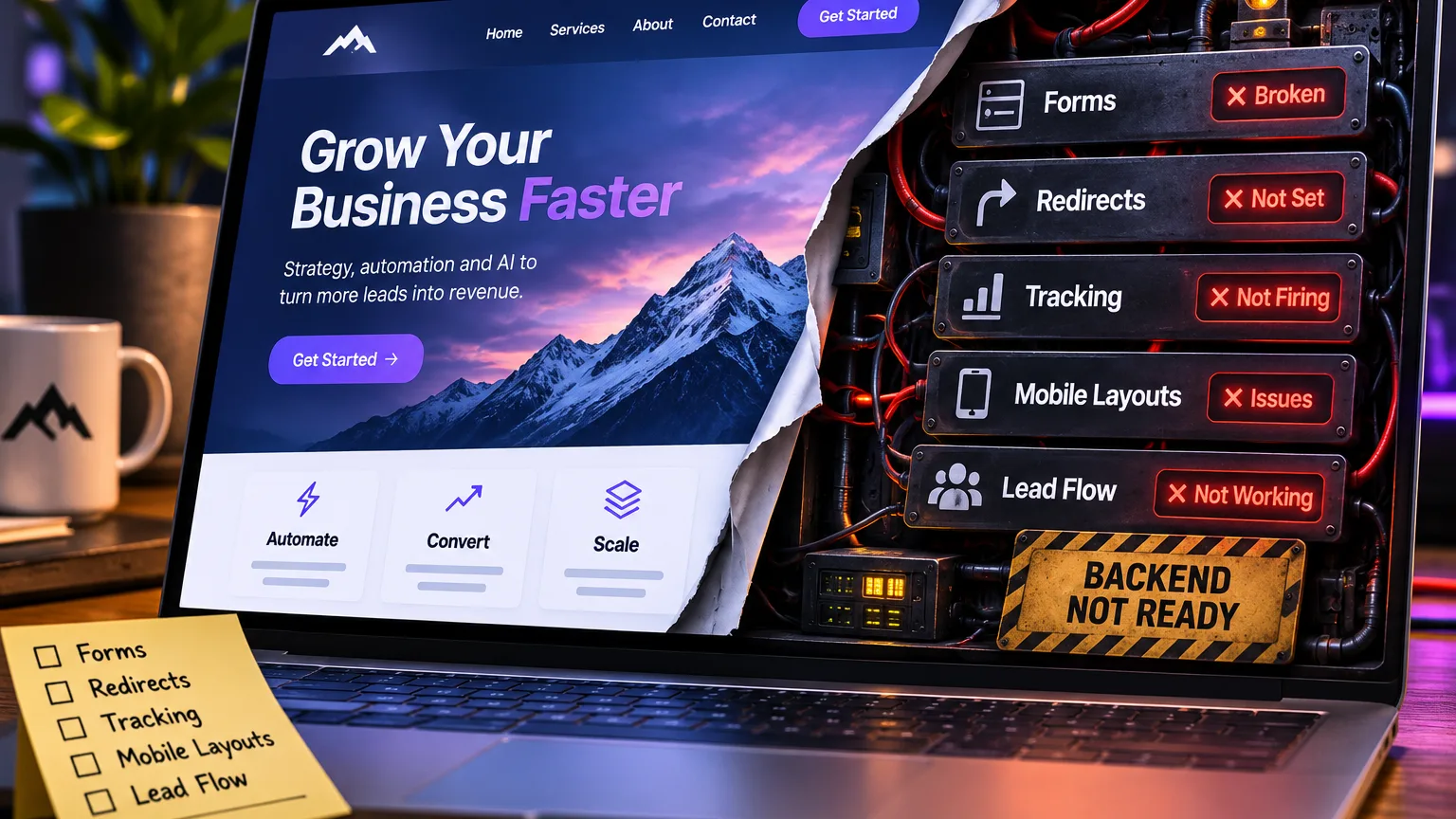
The worst vibe coding security risks are the ones you can’t see from the screen. An app built with Lovable, Bolt, Replit, v0 or a chat assistant can log you in and look finished while its database answers strangers, its secret keys ship to every browser and its permission checks exist only on screen.
A prompt describes what the app should do. Who must never see what is easy to leave out of it, and nothing on the screen tells you it’s missing.
We review AI-built apps, including apps in finance and real estate, and all three of the problems below have come up. We won’t describe those clients’ apps. We’ll describe the pattern and how to check for it yourself.
It isn’t only us seeing it. In research published in October 2025, the security company Escape scanned more than 5,600 publicly available apps built on vibe coding platforms. It reported more than 2,000 vulnerabilities, more than 400 exposed secrets and 175 instances of personal data, including medical records and bank account numbers. Escape notes its sample may overrepresent apps that are easy to find and calls its counts lower-bound estimates, so treat them as counts from one study, not a rate for every app.
Risk 1: the database answers anyone who asks
Apps built in Lovable that store data keep it in Supabase: either Lovable’s built-in backend, which Lovable says runs on Supabase’s open-source foundation, or a Supabase project you connect. In that setup the browser talks to the database directly, and a set of rules inside the database, called row level security, decides who can read or change which rows.
If those rules are off on a table that signed-out visitors can reach, nothing stands between a stranger and your data. Supabase’s own documentation puts it plainly:
A table in an exposed schema without RLS is readable and writable by any role with a grant on it.
This gap has its own entry in the public vulnerability database. CVE-2025-48757 describes insufficient row level security in Lovable, through April 15, 2025, that let unauthenticated attackers read or write tables in the sites it generated. It is rated critical: 9.3 out of 10 on the standard severity scale. Lovable disputes it, on the grounds that each customer is responsible for protecting their own app’s data.
Lovable runs automatic checks for row level security coverage before you publish. Its own docs still tell you to verify the policies yourself. For a business owner, the dispute settles nothing useful. Whoever is responsible on paper, the records belong to your customers. The app has your name on it.
Risk 2: secret keys shipped with the app
Anything sent to the browser can be read by anyone who opens the browser’s developer tools. The build tool Vite, for example, warns that its public settings “should not contain sensitive information such as API keys” because they are bundled into the code at build time.
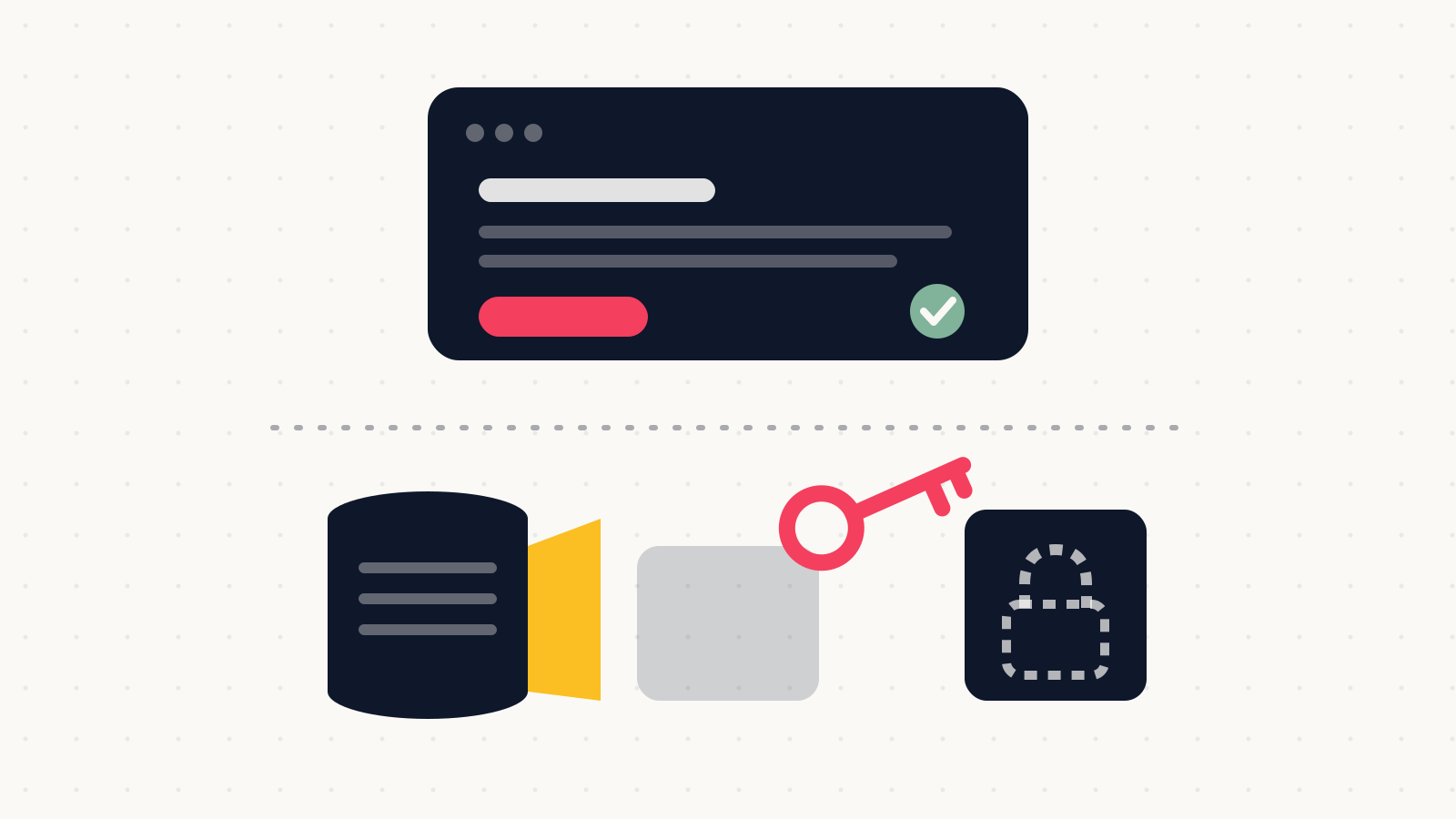
Not every key in the browser is a leak. Supabase gives you two kinds. The publishable key is meant to be public: anyone can read it, so it only reaches what row level security allows. The secret key bypasses row level security, so it must never leave your control. Supabase’s own comparison is the clearest one we know: the publishable key is taped to the front door and only opens the lobby, and the secret key is the master key.
So a public key plus missing database rules is Risk 1 again. A secret key in the code is worse: it skips the rules entirely. The same goes for keys from a payment processor, an email service or an AI provider. Whoever holds one can act as your app, and often spend money on your account.
If a secret key was ever in the code, deleting the line isn’t enough. It is still in the project’s history and in any copy someone already downloaded. Revoke the old key with the provider and issue a new one. Keep the new one somewhere that doesn’t ship to the browser.
Risk 3: the permission check only exists on screen
This is the one that matters most when the app holds account numbers, loan applications or signed documents. The app hides the admin button from regular users, or only shows you your own records, so it looks locked down. But the data behind the screen never checks who is asking.
Change a record number in the address bar and someone else’s file opens. Call the app’s API directly and the admin action runs. OWASP, the open security project behind the Top 10 list of web application risks, ranks broken access control #1 in its 2025 Top 10. In the data behind that list, 100% of the applications tested had some form of it, and OWASP names this exact pattern: viewing or editing someone else’s account by supplying its ID.
OWASP’s rule for fixing it: access control only works “in trusted server-side code or serverless APIs, where the attacker cannot modify the access control check or metadata.” Hiding the button doesn’t count.
How to check your own app this afternoon
You don’t need to read code for most of this. You need two test accounts and access to your database dashboard.
- Database rules: In Supabase, open the table list and confirm row level security is enabled on every table, with policies that limit each user to their own rows. A table with no policies at all is a question worth asking. If you’re on your builder’s built-in backend and can’t see the table list, ask whoever set it up which tables have row level security on.
- Two test accounts: Sign up twice. As user A, open one of your records and copy the address. Sign in as user B and paste it. If B sees A’s record, you have Risk 3.
- Logged out: Copy the address of a page you can only reach when signed in. Sign out and paste it.
- Keys: Search the project for words like secret, service_role, sk_ and private. If a secret key turns up anywhere that ships to the browser, treat it as leaked.
- Admin pages: As a regular user, try the admin address directly instead of clicking a button that isn’t there.
Any one of these failing is worth fixing before more customers sign up. Passing the screen checks doesn’t rule out Risk 3, though: the screen can hide what the database or API still hands out.
When to bring someone in
If your app holds money, financial details, property records or anything you’d be embarrassed to see posted online, have someone check it before launch rather than after a customer finds the gap.
That work is a Post-Generative Hardening: we close the database gaps, move secrets out of the code, put the permission checks where they can’t be skipped, and retest. If you’d rather know where you stand first, a Post-Generative Audit gives you written findings with the evidence behind each one, and you decide what happens next. Either way, nobody can honestly promise an app is 100% secure. What you should get is a written record of every check and fix, with anything still open listed.
Founder, Cursive Media