
22 questions to ask before hiring a web developer (and how to hear a good answer).
The 20-minute vetting guide: deliverables, stack fit, process, pricing, and post‑launch support to ask about before you hire a web developer in 2026.
Founder, Cursive Media
- Read time
- 7 min read
- Updated
- What problem will this site or app solve, and what are the deliverables?
- How do I vet a developer’s stack and fit for my project?
- What should I ask about process, communication, and timelines?
- How do pricing, contracts, and ownership work?
- What happens after launch so we don’t get stuck?
TL;DR: The best questions to ask before hiring a web developer (as of 2026) focus on outcomes, stack fit, process, clear costs, and post‑launch support. You’re listening for specific deliverables, measurable performance targets, a toolchain you can actually run, transparent pricing, and a plan so you’re not dependent on one person forever.
What problem will this site or app solve, and what are the deliverables?
You should get a one‑paragraph problem statement, a prioritized feature list with acceptance criteria, a sitemap or user flows, and a clear definition of done. If a developer can’t write that down up front, you’re buying hours, not outcomes.
Good scoping keeps you from paying twice. Ask the developer to capture the following before you sign:
- Problem statement: One paragraph in plain English. Example: “We need a booking site that reduces phone time by 50% and takes online payments for deposits.”
- Outcomes and KPIs: What moves if this works? Examples: qualified leads, online revenue, support tickets, internal hours saved.
- Deliverables: Sitemap or user flows, wireframes or UI kit, feature list with acceptance criteria, staging site, and a launch checklist.
- Performance targets: Commit to Core Web Vitals thresholds (e.g., LCP ≤ 2.5s, CLS ≤ 0.1, INP ≤ 200ms) measured on a staging URL.
- Integrations: Which tools, which direction data flows, and who owns the accounts.
- Definition of done: What must be in place to launch, and what’s firmly out of scope for phase one.
Questions to ask here:
- “In one paragraph, how do you define the problem we’re solving?”
- “What are the 3–5 must‑have features for launch, and how will we know each is done?”
- “What are our performance and accessibility targets, and how are they verified?”
- “What will not be included in phase one?”
If you need a way to verify performance targets during scoping, run their previous work through our free Website Speed Test and ask how they’d hit the same numbers on your build.
Scope it on paper first: problem statement, flows, and acceptance criteria you can check.
How do I vet a developer’s stack and fit for my project?
You vet stack fit by asking what they’d build with and why, how it scales for your use case, what it costs to run, and how you’ll own and operate it without them.
There’s no single “right” stack. A quoting tool or customer portal probably needs a custom app.
Questions to ask about stack fit:
- “What stack would you use for this and why that over two alternatives?”
- “What’s the monthly run cost for hosting, auth, databases, and file storage?”
- “How will the build meet Google’s Core Web Vitals thresholds and be measured?” (Google’s metrics)
- “How does content editing work, and who can ship changes without a developer?”
- “How do we integrate with our CRM, payments, and email without duct tape?”
- “Show me a small repo or component you wrote that’s similar to what we need.”
- “Where does our code and data live, and what happens if you get hit by a bus?”
When is DIY or a freelancer the better call?
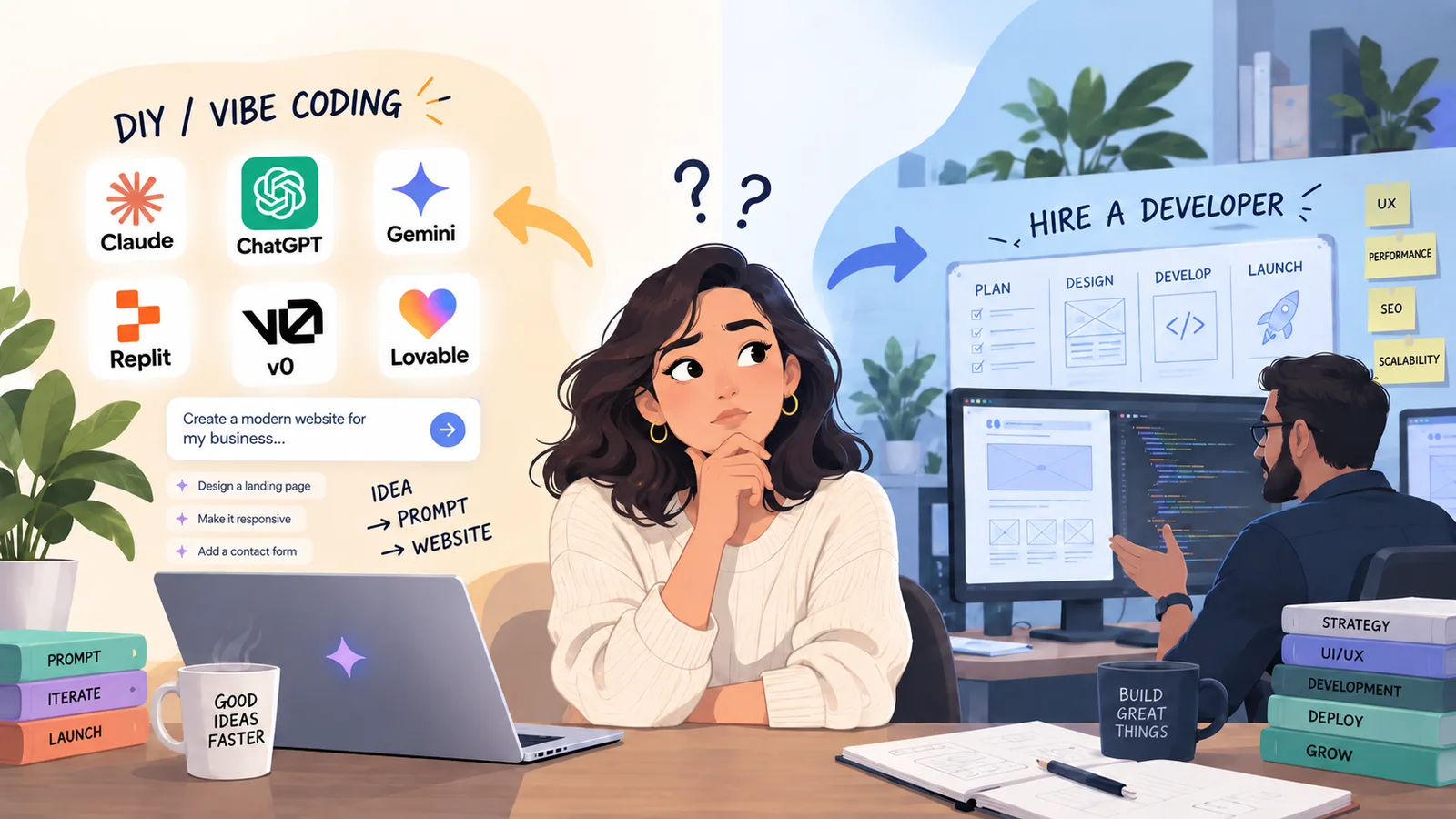
If you need a basic brochure site, a DIY builder (Squarespace, Wix) or a single freelancer can be the right move. You’ll trade customization and integrations for cost and speed. If you need workflows, logins, quoting, or reporting, a build studio like us is more efficient because we ship the system around the site: auth, database, automations, and monitoring.
What should I ask about process, communication, and timelines?
Ask for a weekly cadence with demos, a single point of contact, issue tracking you can see, and a written change process so scope doesn’t drift.
Process is how small misses become big misses. You don’t need a ceremony factory; you need consistent checkpoints and working software in your hands early. Here’s what to confirm:
- Cadence: Weekly standup notes and a biweekly demo recorded for your team.
- Visibility: You get access to the backlog, sprint board, and staging at all times.
- Point of contact: One responsible person who can make decisions and report status.
- Change control: How new requests are estimated, scheduled, or parked for next phase.
- Environments: Separate dev, staging, and production; you can test before release.
- Testing: Unit tests where they pay off, plus manual test scripts you can run.
- Acceptance: A checklist per feature tied to your original acceptance criteria.
- Risk management: A list of known risks with owners and mitigation steps.
Questions to ask here:
- “Walk me through a typical week on a build like this. When do I see progress?”
- “What tools do we use for tickets, chat, and approvals, and do I have access?”
- “How do you handle changes without blowing the budget or timeline?”
- “How do you demo work in progress and collect feedback?”
If you want to see how our team runs a build end‑to‑end with one accountable crew from first call to long after launch, our How it works page outlines the flow we use on every project.
How do pricing, contracts, and ownership work?
Make sure the contract spells out pricing model, what’s included and excluded, IP ownership, access to accounts, third‑party costs, a bug‑fix window, backups, and cancellation terms.
Pricing models you’ll see:
- Fixed price: Best when scope is tight and won’t move. Watch for change‑order creep.
- Time & materials: Flexible when priorities may shift. Requires strong weekly reporting.
- Retainer: Ongoing work post‑launch or fractional product team. Define response times.
What to lock down in writing:
- Ownership: You own the code, content, and design assets. The repos, hosting, and SaaS accounts are in your organization, not theirs.
- Credentials: Admin access for you from day one. Shared via a password manager, not email.
- Third‑party fees: Domains, hosting, email, CMS, auth, analytics, and paid APIs listed with estimated monthly totals.
- Compliance and security: Reasonable accessibility targets, basic security practices, and data handling that fits your industry. No legal guarantees, just the practices.
- Warranty: A defined bug‑fix window after launch and what counts as a bug vs enhancement.
- Backups and monitoring: Frequency, retention, and who restores if something breaks.
- Exit: How you leave. Handoff plan, documentation delivered, and what support costs after.
Questions to ask here:
- “Which model are you proposing and why that one for our scope?”
- “What work is explicitly excluded so I don’t assume it’s included?”
- “Who owns what, and where do all accounts and repositories live?”
- “What’s the bug‑fix period and how are production issues handled?”
- “If we part ways, what’s the handoff process and cost?”
What happens after launch so we don’t get stuck?
You want a post‑launch plan that covers documentation, training, monitoring, small‑change capacity, and a handoff path so you’re not locked to one vendor.
What to expect after go‑live:
- Runbook: Clear steps to deploy, roll back, and restore backups. Include on‑call contacts.
- Docs: How to edit content, update dependencies, rotate keys, and add minor features.
- Monitoring: Uptime checks, error tracking, and performance alerts tied to your KPIs.
- Training: Short videos or a live session for your team. New‑hire friendly.
- Support options: Defined buckets for small enhancements, and timing for larger phases.
- Automation and AI: Obvious spots to kill recurring busywork, like routing leads to GoHighLevel or pushing docs to your CRM. Small wins first.
Questions to ask here:
- “What documentation will we receive, and where will it live?”
- “How do we request and ship small changes after launch?”
- “What’s being monitored, who gets alerts, and what’s the response path?”
- “How do you hand off the system if we build an in‑house team later?”
If your scope goes past a marketing site into a customer portal or internal tool, review our Web & App Development page for how we plan, build, integrate, and then run the software that sits behind the front end.
What a strong answer sounds like.
When you ask these questions, listen for specifics you can check, not platitudes:
- They translate your goals into acceptance criteria tied to Core Web Vitals and business metrics, and they show how they’ll measure both.
- They pick a stack for reasons that match your constraints (budget, team skill, integrations) and explain tradeoffs versus two other options.
- They give you a written process with dates you can put on a calendar and tools you can log into.
- They put repos, hosting, and accounts in your name, and they’re happy to be audited later.
- They propose a bug window, backup routine, and a clean exit plan in the contract.
One last note on performance: Google’s Core Web Vitals are table‑stakes signals, not trophies. LCP ≤ 2.5s, CLS ≤ 0.1, and INP ≤ 200ms are a great baseline to bake into acceptance criteria and to verify on staging before you ship, not after you lose traffic to bloat.
Next steps.
If you want us to pressure‑test your scope or sanity‑check a proposal you’ve got in hand, we’ll do that on a free 20‑minute call. If it’s a simple site, we’ll tell you to DIY. If it’s a system, we’ll map phase one and give you the tradeoffs in plain English.
Frequently asked questions
How many developers should I interview before hiring?
Two or three is plenty. You’ll learn fast where the tradeoffs are. If the scopes and stacks sound identical, ask each to write a one‑paragraph problem statement and a feature list with acceptance criteria. The clearest writer usually ships the cleanest build.
Should I pay for discovery before a full project?
Yes, for anything beyond a basic site. A short, paid discovery sprint (1–2 weeks) to finalize scope, flows, and acceptance criteria saves you from change orders later. You keep the artifacts (flows, wireframes, tech plan) whether you hire that team or not.
What’s a red flag when hiring a web developer?
No written definition of done; no staging environment; vague performance promises; repos and hosting in their accounts; resistance to giving you admin access; and no plan for backups, monitoring, or handoff.
What if I already have a site that just isn’t converting?
Start with measurement. Check Core Web Vitals, forms, analytics, and messaging before a rebuild. If structure and speed are fine, you may need a targeted redesign or better offers, not new code. We do a focused Website Redesign when that’s the case.
Founder, Cursive Media