Your GoHighLevel probably isn't broken. Audit it in this order.
What to open first in a messy GHL account, what built-blind looks like at each stop, and how to tell a patch from a rebuild.
John "Holliday" Mahlow
Founder, Cursive Media
- Read time
- 7 min read
- Updated
TL;DR
- Most messy GoHighLevel accounts aren’t broken. They were built without knowing what GHL does natively, so the fix is usually removing workarounds, not starting over.
- Walk the account in this order: opportunities, workflows, funnels, the audit log (it only keeps 60 days), email, calendars, then chat.
- The usual finds are Zapier doing a native workflow’s job, duplicate custom fields, reminders texted by hand, and leads stuck in the first stage. In accounts we’ve taken over, patch versus rebuild runs about half and half.
"Our GoHighLevel is a mess. The guy who set it up is gone."
We hear that a lot.
So here's the answer we give across the table, after taking over a dozen or more GHL accounts that somebody else built: it's probably not broken.
It's probably not broken.
Broken means error messages and texts that bounce. Most inherited accounts we open don't look like that. They look fine. Forms submit. Contacts land. And you can still tell, fast, that the whole thing was built without knowing what GoHighLevel already does on its own.
That's the pattern we keep finding: built blind. Whoever set it up didn't know a native trigger existed, so they bolted an outside tool onto the side. Didn't know a field was already there, so they made another one. The account isn't failing. It just runs everything the long way, every day.
The distinction matters because "broken" points at a rebuild, and a rebuild is exactly what owners are afraid we'll say. Built blind points somewhere cheaper: the parts are already in the account. Somebody has to find them, turn them on, and take the duct tape off.
First, figure out whose mess it is.
Before we open a single workflow, we ask the owner five things. What industry are you in? Which GHL pieces do you actually use? When you say "a mess," what does mess mean to you? How many employees are in the account, and do they feel the same way? And the one nobody expects: what would you say works correctly?
People arrive ready to list what's wrong. Asking for what's right does two jobs: it protects the parts of the setup quietly earning their keep, and it shows where the account and the owner's understanding of it split.
Because "a mess" is usually not a technical thing. Or not only a technical thing. Often it means the owner doesn't know the system he's paying for, and it frustrates him every time he logs in. The employee answers are the tell. If the team is fine and the owner is frustrated, the problem is understanding, not configuration. If the team is frustrated too but nobody says so out loud, you have both. And if one employee keeps lobbying for a specific feature while the owner keeps agreeing in meetings and nothing changes, that feature is your starting point.
To be fair, GoHighLevel earns some of the confusion. It replaces a whole stack of tools, and even reviewers who recommend it describe new users getting buried in the feature count before anything clicks. An overwhelming platform plus a departed builder is how a working account starts feeling like a mess.
One more fork worth naming before the walk: if what you actually suspect is that the platform itself is the wrong fit, that's a different decision than a messy setup, and our GoHighLevel vs HubSpot comparison is where that question goes. Everything below assumes GHL stays.
Walk the account in this order.
Most GoHighLevel audit checklists hunt for leaks. This one is a route. Each stop tells you how to read the next one, which is why the order matters more than the list.
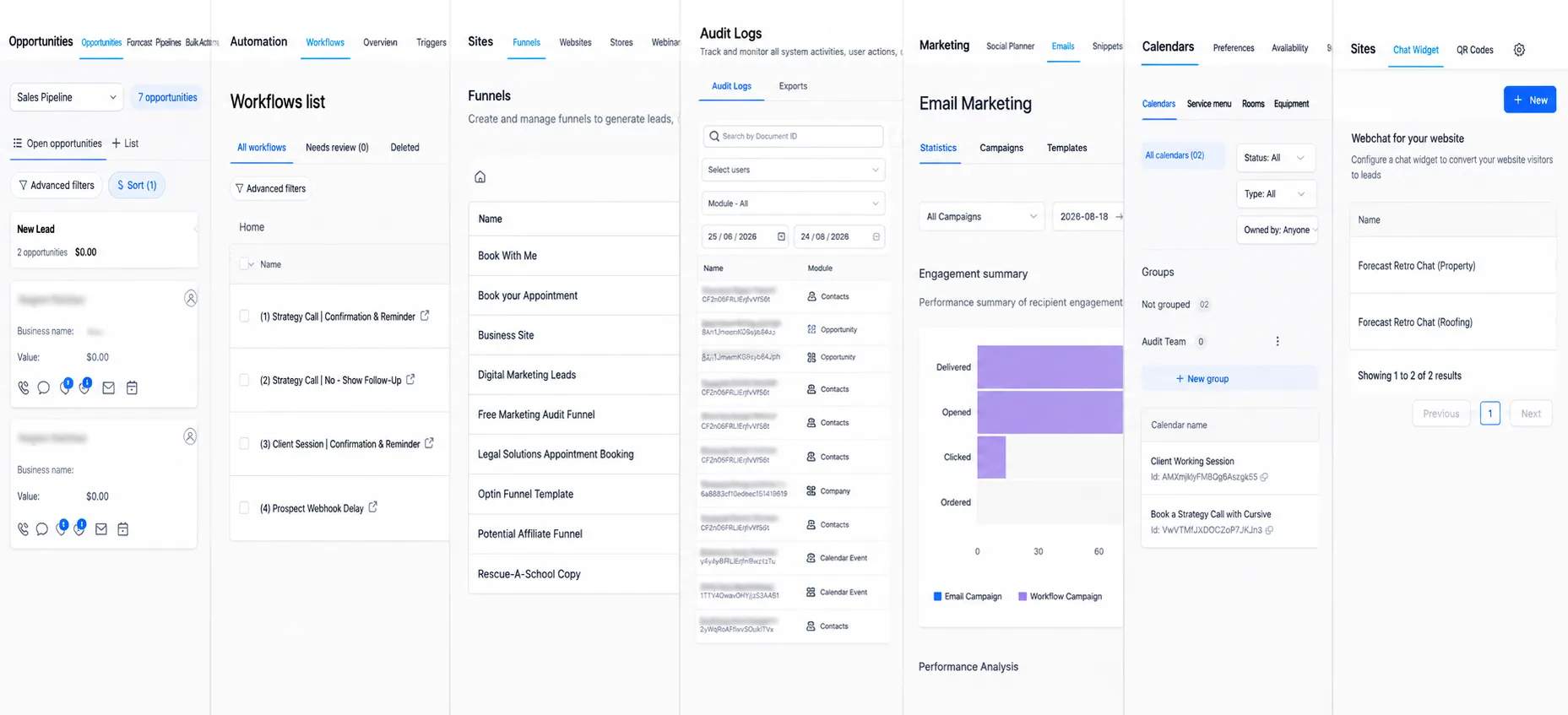
Opportunities.
Start where the money shows. How much work is actually moving through this account, and do the stages match how this business really sells? An account can hold years of contacts and a handful of deals anyone believes. If every lead sits in the first stage forever while the owner tracks real jobs in his head, the CRM isn't recording the business. It's decorating it.
Workflows.
Open each one and ask three questions. Is it live or paused? Has the trigger fired lately? And is it doing something GHL already does natively? A paused-and-forgotten workflow, or a trigger pointed at a form that no longer exists, fails without a sound. Nothing errors and nothing sends, so nobody notices for months. There's a full post on automations that fail silently if this stop turns up several.
While you're in here: if a workflow sends texts and nothing has delivered in a while, check A2P registration before you blame the workflow. Carriers require A2P 10DLC registration for business texting from regular local numbers, and that registration is what keeps messages deliverable at all. Our A2P 10DLC registration post covers the fix.
Funnels and the website.
Submit a test lead yourself. Watch where it lands and how long that takes. This is the check that settles arguments: either the machine catches a new lead and does something with it, or the form feeds a list nobody reads.
The audit log.
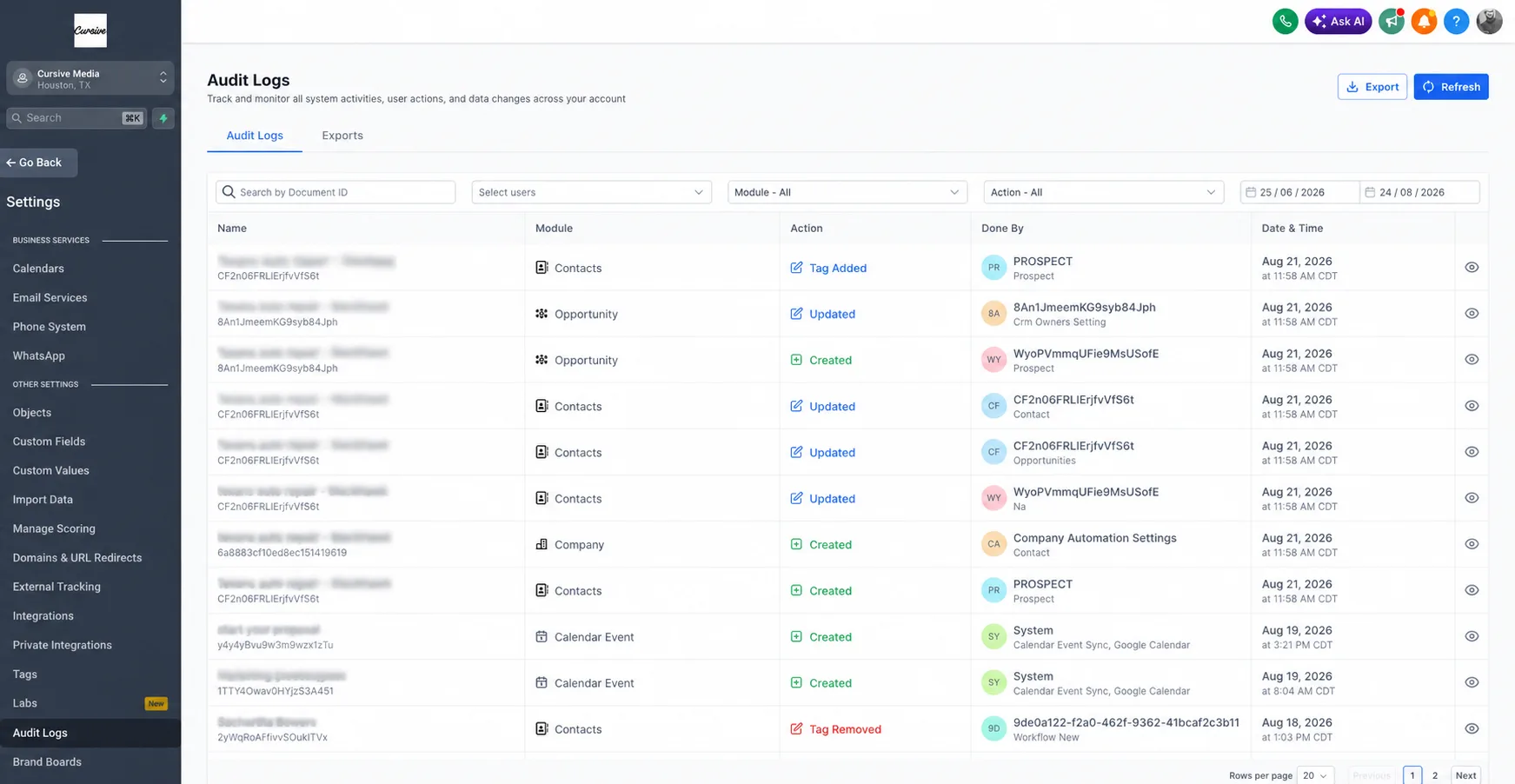
Settings → Audit Logs. GHL keeps a record of who changed what and when, filterable by date, user, and module. When something "stopped working a while ago," this is where you find what happened right before it stopped, and who touched it. One warning: entries are kept for 60 days. If the break is older than that, the trail is gone, which is a good reason to make this an early stop instead of a last one.
Email.
Did sending quietly stop months ago? Look at what's scheduled and what last actually went out. Stopped email is easy to miss from outside the account: nothing on the page looks different, and no error announces it.
Calendars.
Bookings should be landing on the calendar with confirmations and reminders wired to it. Check both. This stop is where paid-for features turn up doing nothing. Missed-call text-back is the classic: a call gets missed, and the feature built for exactly that moment sits idle.
Chat and bots.
If there's a widget or a bot, test it like a stranger. Does it answer? Does it sound like the business, or like a demo nobody finished? A half-configured bot on a live site costs trust every day it runs.
Then stop clicking. We sit down with the client and go through all of it together, because the account can only tell you what was built. Only the owner can tell you what was meant.
The four things people build the long way.
Across a dozen-plus takeovers, the same builds keep showing up. None of them is broken. Every one is the long way around a native trigger or action that was sitting there the whole time.
The first is Zapier doing GHL's job. A form comes in, a Zap adds the tag, a second Zap creates the opportunity, a third moves the stage. All of it is one native workflow, one form-submitted trigger and two actions. The Zaps cost money every month and break the day someone edits the form.

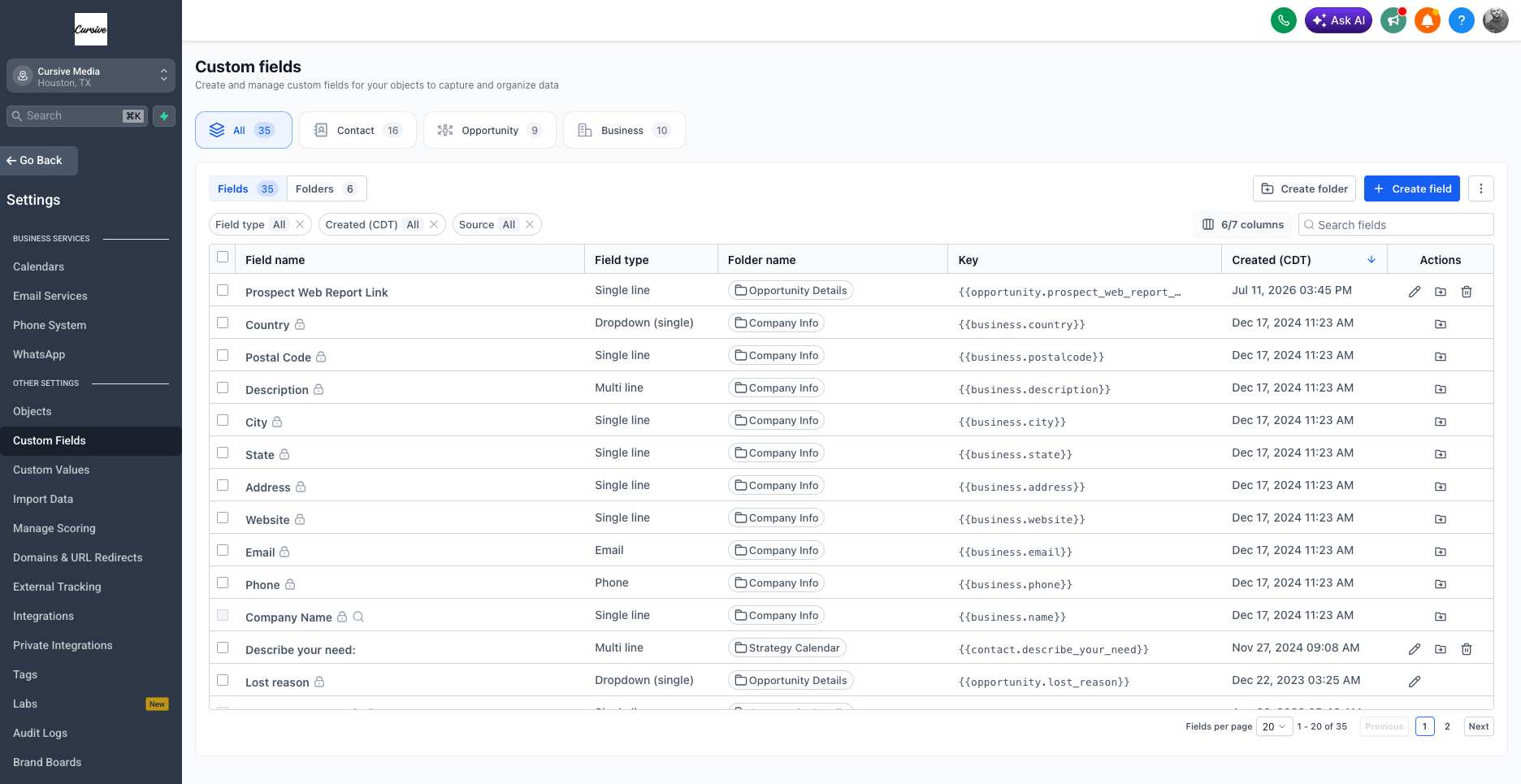
The second is three custom fields for one answer. "Service." "Service Interested In." "service_type." Different forms write to different ones, the workflow keys off the wrong one, half the contacts look blank, and merge tags fire empty. Nobody decided this. Three separate builds each added a field without checking what already existed.
Third, reminders by hand. Somebody on staff texts every appointment confirmation from a cell phone each morning while the calendar's appointment trigger and SMS action sit unused. It works, which is exactly why nobody questions it. It also means confirmations stop every time that person is out.
And fourth, every lead in "New Lead" forever. The stages exist. Nothing moves them. So the owner tracks his jobs by scrolling the conversations tab, and the stage view everyone is paying for reports nothing at all.
If you're wondering whether these are real: this is what we find, over and over, when we open an account built by someone who didn't know the native pieces existed. Not one of those builders was careless. You can't use features you don't know are there.
Patch it, or redo it?
Here's the question underneath every audit call. Owners are braced for "start over." What they're hoping for is "we can patch it."
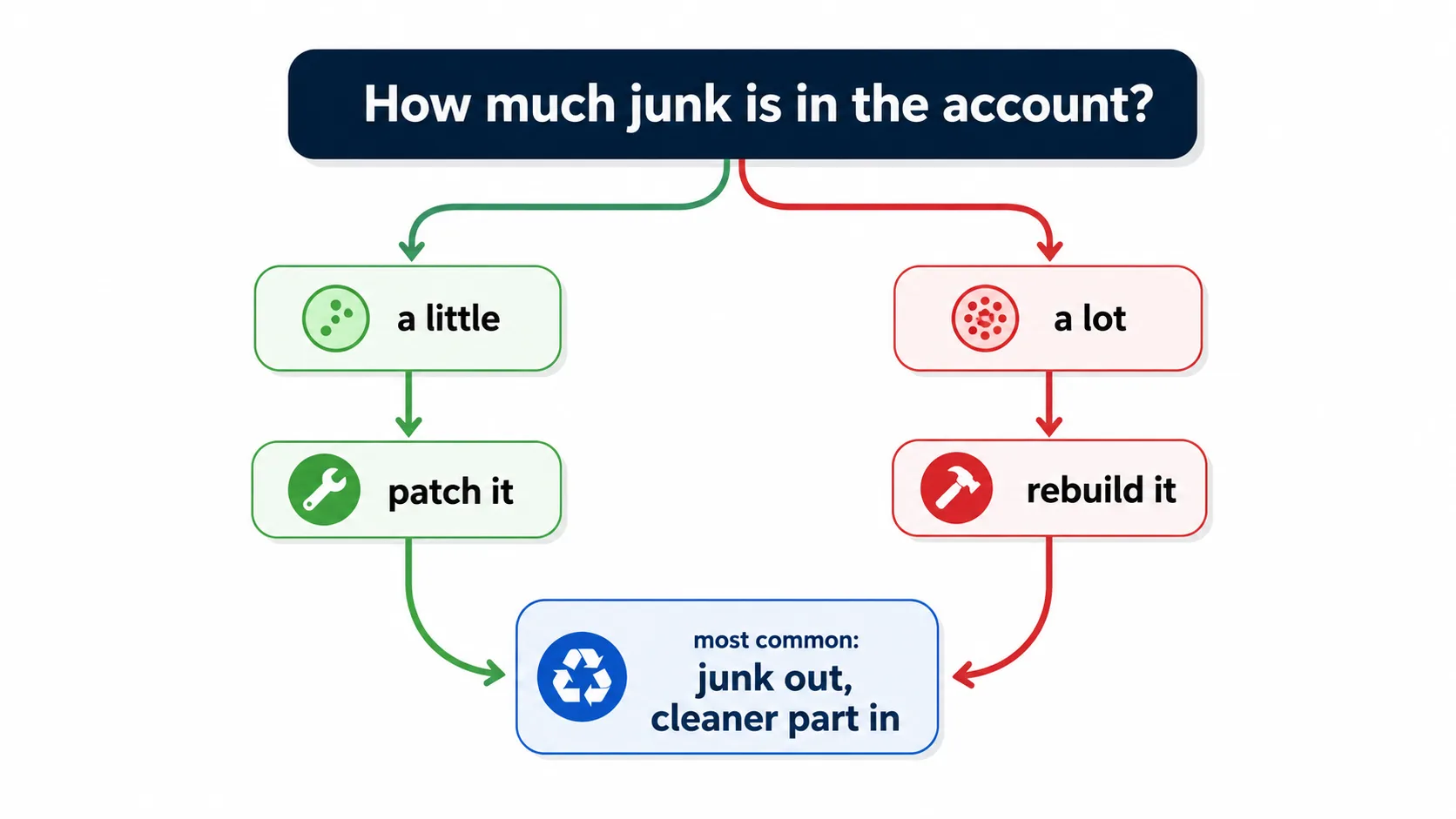
The honest answer from the accounts we've taken over: it runs about half and half, and it depends on how much junk is in there. The most common outcome isn't really either one, though. We end up removing a pile of junk and replacing it with a cleaner part. The Zapier chain comes out and one native workflow goes in; the three duplicate fields collapse into one. The account keeps running the whole time.
One cost owners rarely price in: people. If five employees live in this account every day, changing how leads come in changes how five people work. Sometimes that means retraining. Sometimes it doesn't. It belongs in the decision either way, which is why "how many employees use it, and do they feel the same way" is in our first five questions and not an afterthought.
Run it yourself, or have us run it free.
Everything above is self-serve. Block out an afternoon and walk the stops in order. Write down what you find. If the walk turns up things you can name, you can probably fix them yourself, and you should.
If it turns up things you can't name, like workflows you're scared to open or texts that stopped and nobody knows when, that's what our GoHighLevel experts audit for free.
John "Holliday" Mahlow
Founder, Cursive Media