The Zapier tax: why your automation bill grows faster than your business.
Per-task pricing means every new customer costs you money in automation fees. How the bill creeps, and the cheaper ways to run the same workflows.
John "Holliday" Mahlow
Founder, Cursive Media
Zapier deserves real credit. It taught a generation of business owners that software can talk to software without a developer in the room, and for connecting two tools in ten minutes it is still hard to beat.
But there is a pattern we see constantly in automation audits: a business starts with a free Zapier account, and two years later it is paying more for Zapier than for its CRM — and nobody can say exactly what all those zaps do. That is not an accident. It is the pricing model working as designed.
How task pricing actually works
Zapier bills by the task. Roughly speaking, every action a zap successfully performs consumes one — and that definition has teeth. A five-step zap does not cost one task per run; it costs up to five. Add a filter, a formatter step, a delay, a lookup: the same business event quietly gets more expensive to process.
Now notice what a "task" corresponds to in your world: a new lead, a booked appointment, a paid invoice, a review request. The things you are trying to get more of.
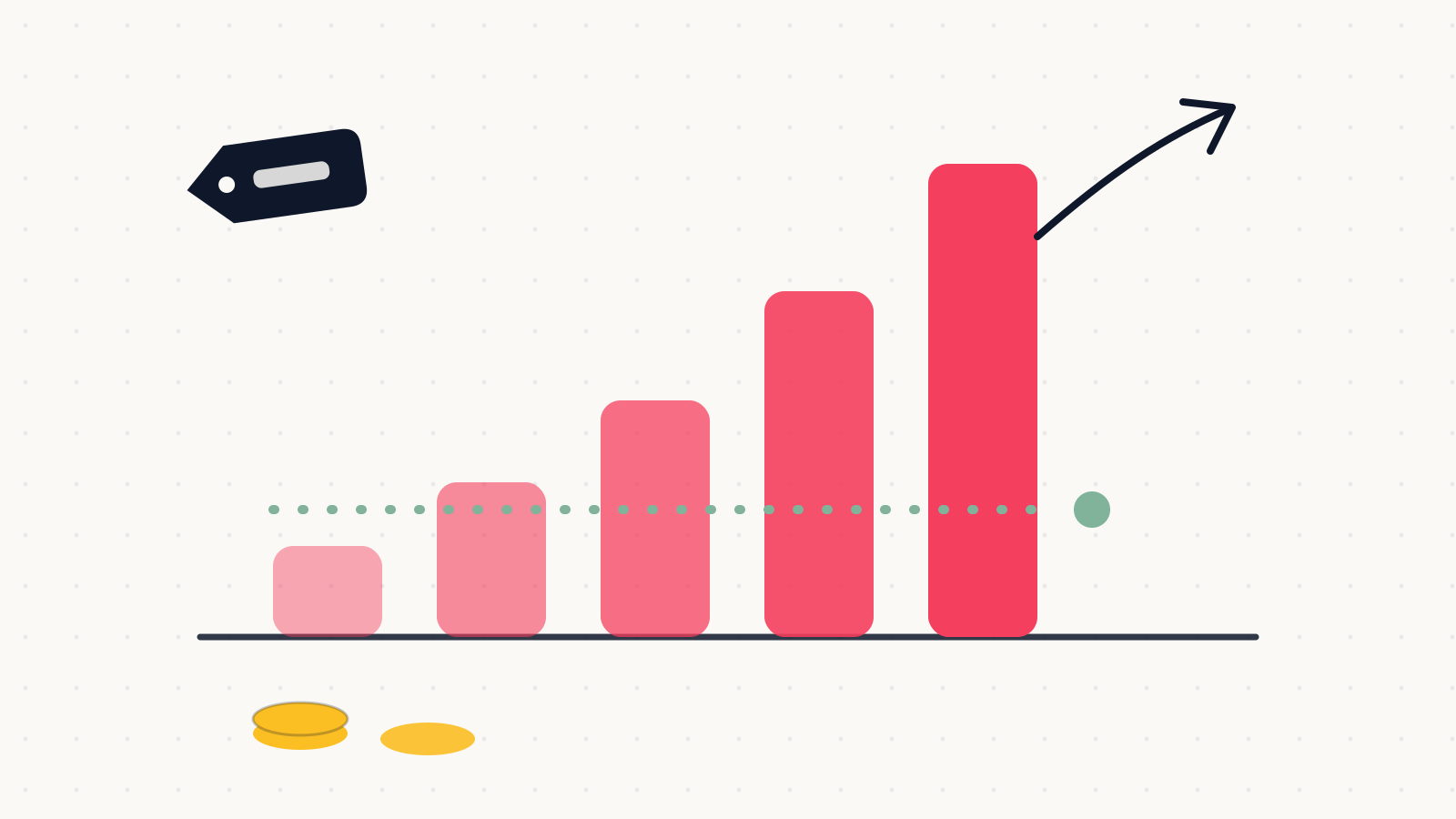
Per-task pricing is a tax on your own growth. The better your month, the bigger the bill.
The anatomy of the creep
The bill never jumps; it creeps, and each step feels reasonable in isolation.
- You outgrow the free tier the first month anything real runs through it.
- Zaps multiply. Every new tool, campaign, and "quick fix" adds one. Five become forty, and each nibbles the same task pool.
- Steps multiply. Simple two-step zaps grow filters, formatters, and branches — same events, more tasks per event.
- Volume grows because your business grows, which is the one variable you never want to optimize downward.
- You hit a plan ceiling and the next tier is a step change, not an increment.
None of those decisions was wrong. The sum is a bill that scales with your success while the value per task stays flat. Moving a lead from a form into a CRM is worth the same to you at 200 leads a month as it was at 20 — but it costs ten times more.
The costs beside the invoice
The subscription is the visible cost. The structural ones matter more. Zaps fail quietly — a changed field name or an expired connection stops a workflow, and unless someone reads the failure emails, you find out when a customer complains. On lower tiers, polling intervals mean "instant" follow-up can lag by several minutes, which is an eternity in speed-to-lead terms. And your business logic ends up living in forty places nobody documented — which is how zap sprawl becomes an operational risk, not just a line item.
The cheaper ways to run the same workflows
Escaping the tax is mostly about matching each workflow to the right layer. In rough order of preference:
- Native integrations first. If your CRM already connects to your form tool or calendar directly, that connection is free, faster, and maintained by someone else. Check before you build the zap — the button is often already there.
- Platform-level workflows. If the workflow is lead follow-up, appointments, pipelines, or reviews, an all-in-one platform like GoHighLevel runs unlimited workflows inside the subscription you already pay. No per-task meter at all.
- Flat-rate or usage-friendlier runners like Make for genuinely cross-app plumbing at volume — the same scenarios typically cost a fraction of Zapier at scale.
- A small custom job for your highest-volume core flows. A webhook and fifty lines of code have no per-event price, no vendor ceiling, and can be built to alert loudly on failure — the kind of thin custom layer we describe in build vs. buy.
When Zapier is still the right answer
This is not a demolition order. Zapier remains excellent at the edges: low-volume workflows, prototypes you want live this afternoon, and long-tail apps nothing else connects to — it still has the largest app catalog anywhere. The failure mode is not using Zapier; it is running your business-critical, high-volume workflows through a metered middleman forever.
The decision rule we use: high-volume and business-critical belongs on a platform or in code; low-volume and experimental can stay on the meter. Volume times criticality tells you where every workflow lives.
Audit it before it audits you
Open your Zapier dashboard, sort by task usage, and ask three questions about the top ten: does a native integration now exist, does this belong inside our platform, and would this hurt if it failed silently for a week? Most businesses find a third of their bill evaporates on the first question alone.
If you would rather have someone who does this weekly run the audit, that is part of our automation work — including rebuilding Zapier setups into systems that cost less and fail louder. Book a strategy call and bring your task-usage screen. It is usually a fun conversation.
John "Holliday" Mahlow
Founder, Cursive Media